
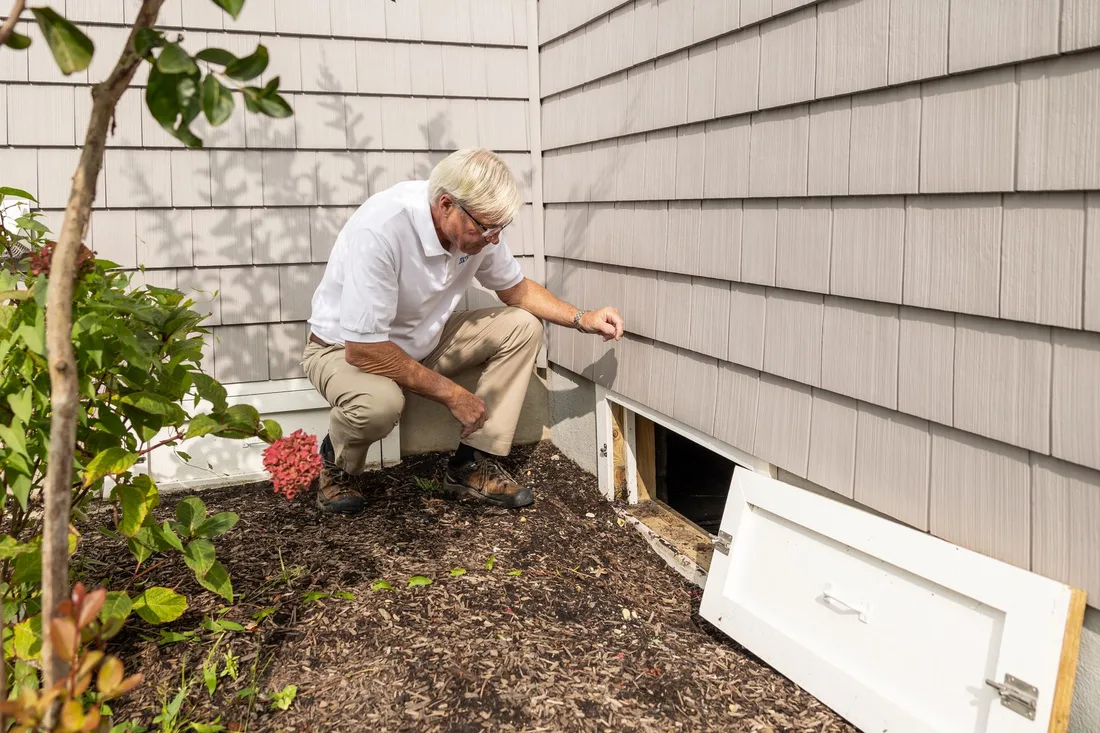

Martin
Founder, strategy and audits
Writes every audit and takes every first call. On your account from day one, running growth for SMEs since 2010.
People who find a stain on the ceiling are frightened and unsure who to trust. A good waterproofing website calms them, explains the cause in plain words, shows your testing and proof, and makes the next step simple. It also gives builders and managers the paperwork they check before they hire.
For waterproofing specialists who need a clear, credible site with symptom pages, proof of testing, warranty details and forms for owners and commercial buyers.
Context from how your customers search, compare and book.
Visitors arrive with a symptom and a fear. Start each page with what they see, such as a ceiling stain or a wet basement wall, explain the likely causes without drama, and say what a visit involves. That structure feels like an expert answering a question rather than a salesperson asking for a call.
Trust needs evidence that is easy to find. Test results, moisture readings, membrane photos with upturns and drainage detail, warranty terms, registration and insurance should sit within one tap of the contact button. Reviews that mention a leak staying fixed after earlier failures carry particular weight.
Different buyers need different documents. Owners want reassurance and a clear first visit. Builders and tilers want membrane systems, curing and testing steps and certificates. Property managers want project history, safety paperwork and a contact person. Separate sections keep each from digging through the others' material.
Forms decide whether interest becomes work. A form asking where water appears, what is above it, how long it has happened and whether the building is managed lets you reply with the right person and the right questions. An upload for photos of stains and damage saves time on both sides.
A clear, repeatable process built around how waterproofing customers search and decide.

We review the proof you have, such as test sheets, moisture readings, installation stages and finished repairs, and list what to capture next. Good evidence matters more than extra pages, and gaps can be filled on upcoming jobs.

We plan routes for owners, trade buyers and managers, then pages for each symptom and system: bathrooms, balconies, basements, retaining walls and podiums. You approve the structure before building starts, and nothing is built blind.

We design a symptom form with photo upload, a trade project form and a commercial bid contact. Each confirms what happens next, goes to the right person and lands in your customer records, with an alert for anything urgent.

We build a fast site, compress photos, display warranties and paperwork as readable pages, and add reviews and credentials. You approve every technical statement before launch, because we do not diagnose or specify from a desk.

We connect tracking, redirect old addresses and test every form on several devices. Your team learns to add new projects and documents, and we check the first weeks for confusing steps or lost messages, fixing small problems fast.
Pages that make it easy to understand the offer and take the next step
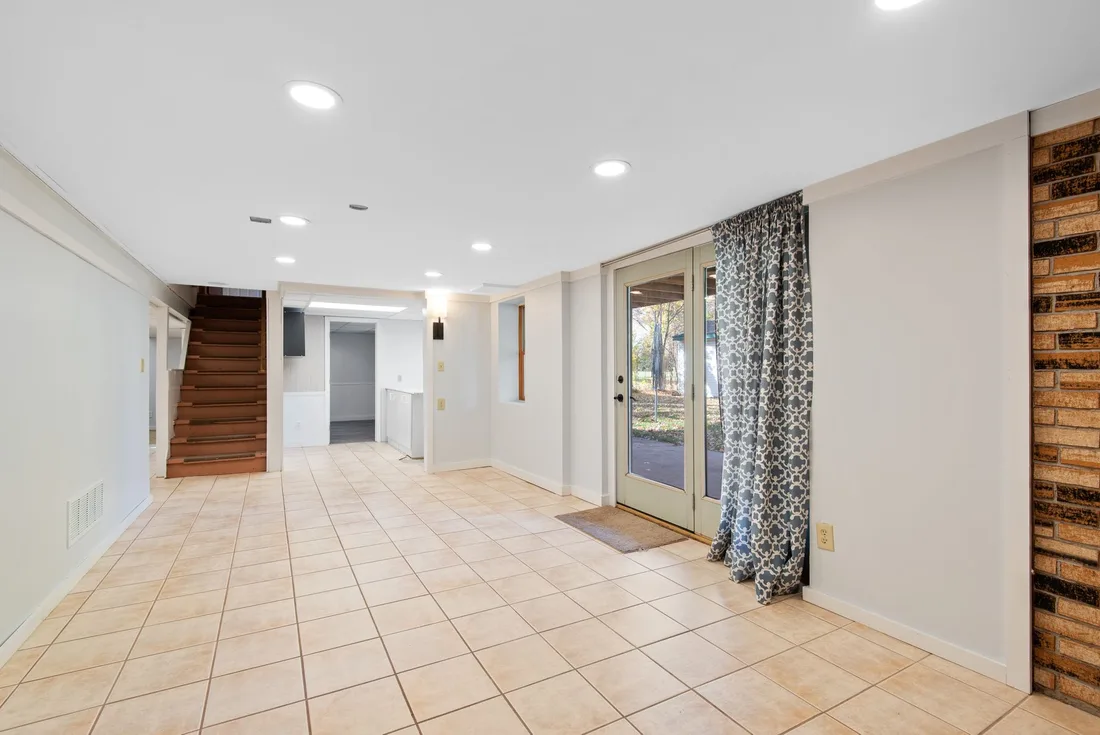
The mechanics behind Web Design for waterproofing, explained plainly.
Warranty terms and test sheets are shown as pages first, with downloads second. That helps search engines, phones and busy managers read them quickly, and keeps files small enough to open on a weak signal.
Owners can upload several photos of stains, which are shrunk on the way in. Spam is blocked quietly, phone numbers are checked and a failed send shows a call option, so a worried visitor is never left stuck.
Visitors who read system pages and documents often return days later. Tags on calls, forms and return visits show which pages start long conversations and which lead to quick bookings.
Waterproofing web design starts at $2,000. Scope depends on how many pages and features you need, and we agree it with you after seeing your current site.
What's included
The pages customers need to decide, laid out for phones first, with proof and a clear next step.
Forms and call buttons that work on every phone, with each request tracked to its source.
Image, speed and mobile checks before launch, and a short list of fixes afterwards.
Larger builds, such as online shops or booking systems, are scoped after discovery. Talk to us for a fit.
A waterproofing site rests on evidence, so early weeks focus on gathering proof and agreeing how to present it.
We audit the proof you hold, agree the page list and approve a layout. You see how owners, trade buyers and managers will each find their way before anything is built.
Pages and forms are built and tested on phones and slow connections. You approve technical statements, tracking is connected and the site launches once every form and call reaches the right person.
We study how visitors use the symptom pages and documents, add projects as they finish and refine forms. Results depend on traffic, evidence and reply speed, and no figures are promised.
Our team
Martin writes every audit and takes the first call. The same team stays on the account. 160+ businesses since 2010.
Founder, strategy and audits
Writes every audit and takes every first call. On your account from day one, running growth for SMEs since 2010.

Social and app development
Shapes social strategy and builds practical app experiences that turn attention into action.

SEO
Owns technical, local and content SEO so the right buyers find you when demand is highest.

Paid media
Plans and manages paid search and social campaigns around qualified leads.

Analytics
Connects tracking, attribution and reporting so decisions are based on revenue-quality data.

Design
Creates clear brand and conversion-focused design across landing pages, campaigns and product experiences.
Certified and experienced
Verified platform knowledge, 25+ years of hands-on experience, and an operating track record since 2010.
Get a free audit and we will show you where you are losing inquiries today.
Get a Free Audit arrow_forward
Reviewed by
Martin Marinov
Founder, HeyLead
Martin founded HeyLead and has worked in SEO and paid search for more than 20 years, across Google Ads, Microsoft Ads and organic search.