

Martin
Founder, strategy and audits
Writes every audit and takes every first call. On your account from day one, running growth for SMEs since 2010.
A window covering sale has a long middle. The consult is booked, samples are shown, a partner needs to agree and the quote sits for a week. Many sales are lost in that quiet stretch. We connect your leads to one customer record so every consult is reminded and every quote is chased.
For blinds, curtains and shutters firms who sell by consult and want every lead booked fast, every appointment reminded and every quote followed up until it is won or closed.
See how every channel fits together in our guide to marketing for blinds and shutters companies.
Context from how your customers search, compare and book.
Window covering leads arrive in pieces. A form lists a bedroom and a lounge, a call mentions a bay window, a showroom visitor says they will come back with measurements. A record that gathers these into one card, with rooms, products and photos, means the consult starts with facts and not a repeat of the questions.
Buyers shop around. Someone interested in plantation shutters may also be asking an online retailer and two local firms. The business that replies quickly, offers a consult slot and sends a short, friendly confirmation often becomes the one who is invited in. Silence for a day tells a buyer that service will be slow.
The decision takes time. A couple measure, pick fabrics, compare samples and wait for a partner to agree. The record notes which samples were left, which options were quoted and who must be persuaded, so a follow-up message can ask about the exact fabric in the exact room, rather than send a generic nudge.
Orders have their own journey. Deposit, factory order, production time, delivery, fitting and a final check each need a date, and a wrong measure can cause an expensive remake. The record keeps measurements and approvals attached to the order, and prompts a message at each stage, so customers are never left wondering.
A clear, repeatable process built around how blinds, curtains and shutters customers search and decide.

Forms, calls, profile messages, showroom sign-ups and emails all create a record with source, rooms, products and photos. Walk-in details taken on a tablet join the same record, so showroom visitors who leave without ordering still get a follow-up.

An approved reply goes out within moments, thanking the customer, confirming the rooms and offering consult times from your diary. Branch routing sends the lead to the nearest consultant. Nothing in the message states a price or an order time that your team has not set.

Appointments receive a reminder the day before and a short note on the morning, asking the customer to confirm and to have windows accessible. If someone replies that they cannot make it, a rebooking link follows. These messages are approved by you and can be turned off.

After the visit the consultant records samples left, options quoted and who decides. A reminder asks the customer how the fabric looked in the room a few days later. Quotes are chased on a rhythm that suits the product, slower for shutters than for roller blinds.

Once accepted, the order moves through deposit, ordered, delivered, fitted and checked, with measurements attached. Completed sales go back to ad accounts with their source and product. Quote-only and price-check leads are marked so ads learn to find buyers.
Get every inquiry into your CRM (customer tracking system) fast, with its source recorded
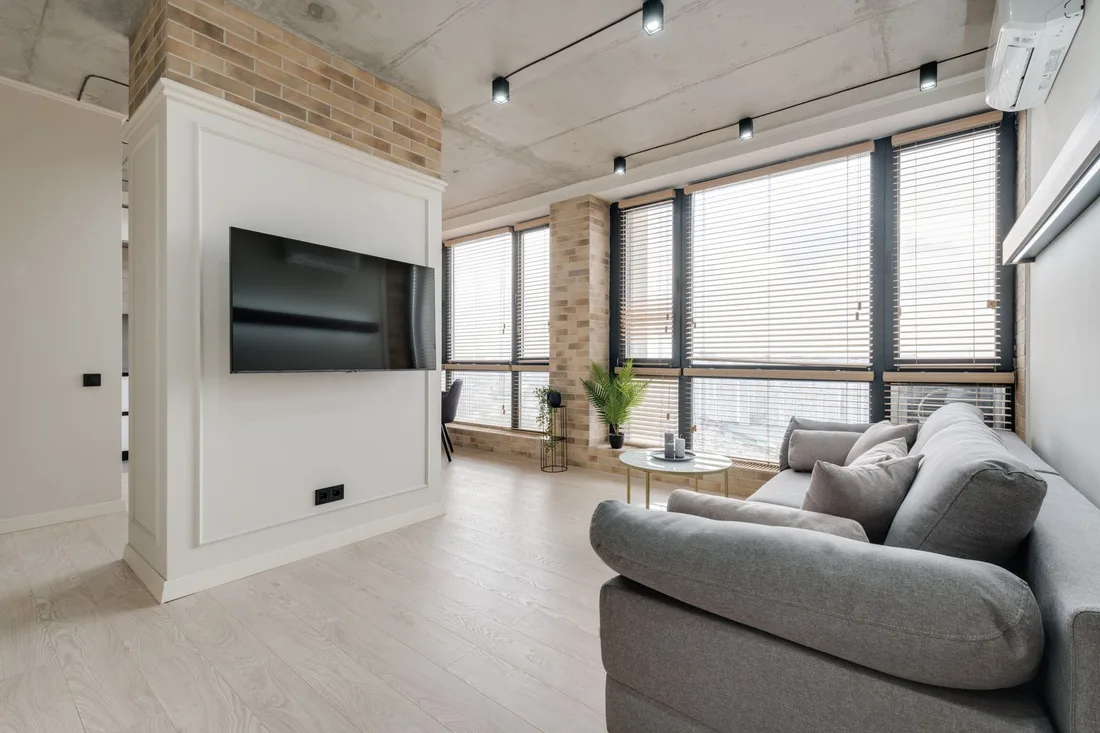
The mechanics behind CRM Integration for blinds, curtains and shutters, explained plainly.
If you use a measuring or quoting app, we link its output to the record so window sizes and options are not typed twice. If no link exists, quotes are imported by file. We state clearly which parts are connected and which are copied by hand.
Leads are routed by location and product to the right consultant, using the diary you already keep. A consult slot taken on the phone is not offered again online. Where diaries cannot be linked, the reply asks for a preferred day and the office confirms.
A completed order is sent to Google and Meta as an offline sale with its source. Because blinds and shutters orders close weeks after first contact, the feedback arrives late, and we explain what that means for how ad systems learn.
Blinds, Curtains and Shutters CRM integration is scoped to the system you already use, or a simple one if you have none. We quote it after a short look at how leads reach you today.
What's included
Every lead from forms, calls and ads lands in one place with its source, and goes to the right person.
Fast first replies and follow-up steps, so fewer leads go quiet.
Booked and lost outcomes tagged, so reports and ad accounts learn which leads were real.
The cost depends on your current tools and how many steps you want automated. Talk to us for a fit.
A good setup for a window covering firm is calm. It books, reminds and nudges, and the consultants keep their usual routine.
We map every route in, build the pipeline and test with dummy consult, showroom and commercial requests. Messages are drafted and approved by you. Your diary and phones stay as they are today.
Live leads flow in, reminders start to fire and the first consult notes build up. We trim steps that slow the consultants and rename stages that did not fit once real orders arrive.
Won and quote-only data builds up and ad accounts begin to learn from completed orders. Repeat customers adding rooms become easy to see. The setup is reviewed every quarter, with no promise about volume.
Our team
Martin writes every audit and takes the first call. The same team stays on the account. 160+ businesses since 2010.
Founder, strategy and audits
Writes every audit and takes every first call. On your account from day one, running growth for SMEs since 2010.

Social and app development
Shapes social strategy and builds practical app experiences that turn attention into action.

SEO
Owns technical, local and content SEO so the right buyers find you when demand is highest.

Paid media
Plans and manages paid search and social campaigns around qualified leads.

Analytics
Connects tracking, attribution and reporting so decisions are based on revenue-quality data.

Design
Creates clear brand and conversion-focused design across landing pages, campaigns and product experiences.
Certified and experienced
Verified platform knowledge, 25+ years of hands-on experience, and an operating track record since 2010.
Get a free audit and we will show you where you are losing inquiries today.
Get a Free Audit arrow_forward
Reviewed by
Martin Marinov
Founder, HeyLead
Martin founded HeyLead and has worked in SEO and paid search for more than 20 years, across Google Ads, Microsoft Ads and organic search.