Web Design for Blinds and Shutters Companies
Blinds and shutters web design should turn browsing into a booked in-home measure. Shoppers want to see how wood shutters look in a living room, whether cellular shades will darken a nursery and what motorized options cost before they invite anyone over. HeyLead builds window treatment websites around that decision: galleries sorted by product and room, product pages, a showroom page if you have one and a booking calendar for free measure and consultation visits. Click to call and text stay visible on mobile, image heavy pages are tuned to load fast and every booking is tracked to its source. The aim is a site that shows your products well and feeds your consultation calendar.
See how every channel fits together in our guide to marketing for blinds and shutters companies.
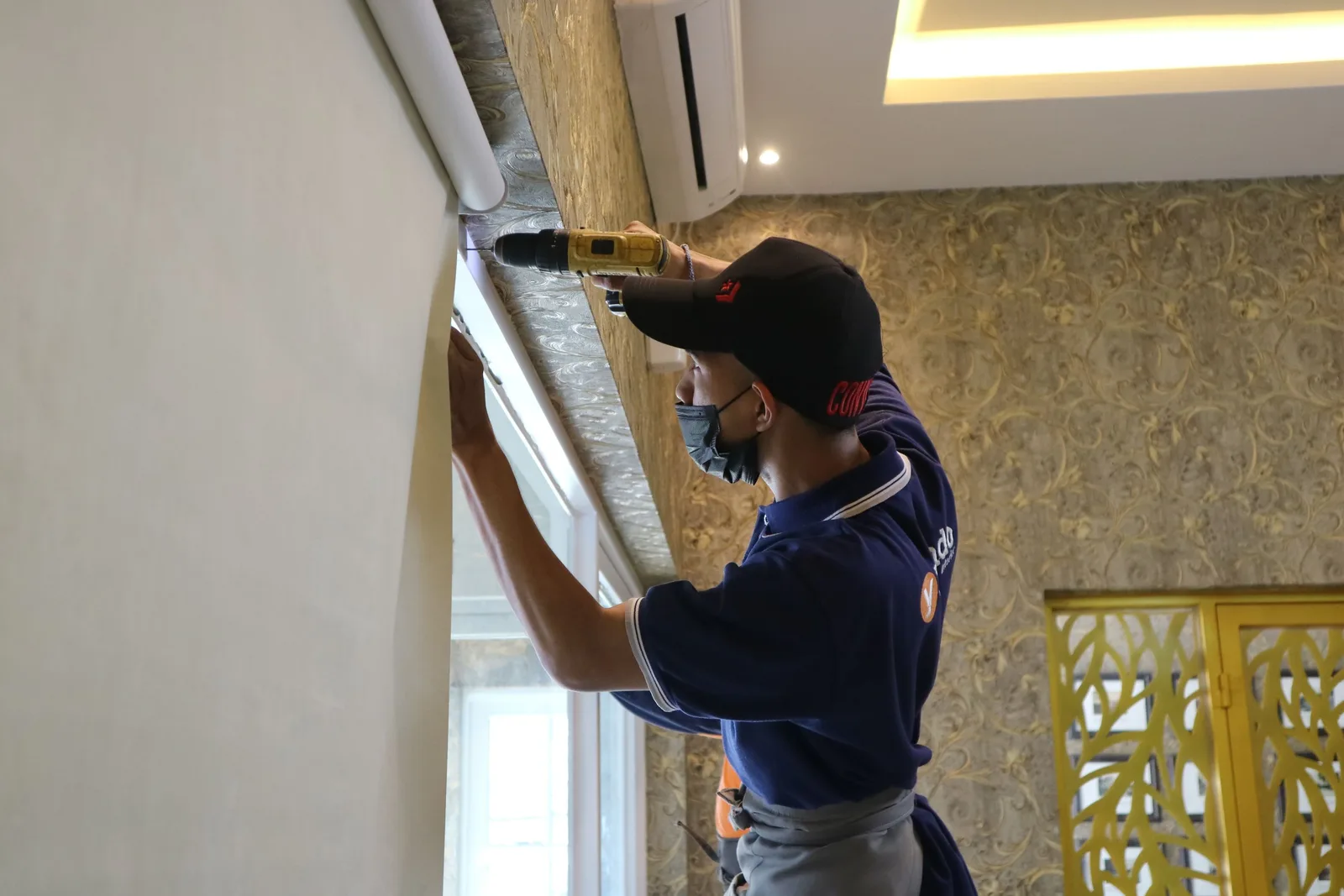
Pages a blinds and shutters website needs
The home page should show your best install photos, the areas you cover and a book a free measure button above the fold. Product pages come next, one for each line you sell: wood and composite shutters, roller shades, cellular and honeycomb shades, Roman shades, woven wood, motorized shades and drapery. Room pages help shoppers who think in spaces rather than products, such as bedroom blackout, nursery and child safe cordless options, sunroom glare control and home office lighting. Add area pages for the towns you serve, a gallery filtered by product and room, a reviews page, a showroom page with hours, parking and what samples are on display, and a booking page. If you work with builders or designers, a trade page with its own contact form keeps those enquiries separate.
Conversion elements that book free measure appointments
Most window treatment shoppers are not ready to call straight away, so give them low pressure next steps. An online booking calendar shows available in-home measure windows and confirms by text. A short quote form asks which rooms, roughly how many windows and which products interest them, with an optional photo upload of the windows. A free swatch or sample request captures earlier stage shoppers so you can follow up. A virtual consultation option suits customers who want advice before a home visit. On mobile, a sticky bar keeps click to call and text visible. If you publish starting prices or run seasonal promotions, a clear offer banner links straight to booking. Each of these is tested on phones before launch, because most shoppers browse window ideas on mobile.
Build timeline, speed and lead tracking
Galleries are the biggest speed risk on these sites, so photos are converted to modern formats, sized for each screen and lazy loaded, and we test against Core Web Vitals before going live. For tracking, calls use tracking numbers by channel, quote forms, swatch requests and bookings are recorded as separate conversions in Google Analytics 4, and bookings can flow into your CRM or scheduling tool. That shows which products, rooms and pages lead to measure visits, and which visits become orders.
Process
How we work
- Step 1
Week 1: Product and booking review
We go through the product lines you want to sell more of, your service area, showroom details and how you schedule measure visits today.
- Step 2
Weeks 1 to 2: Photos, sitemap and copy
We collect and sort your install photos by product and room, plan the page structure and write product, room and area pages.
- Step 3
Weeks 2 to 4: Design and build
We design the gallery, product pages and booking flow, connect your calendar or scheduling tool and share a staging site for your review.
- Step 4
Week 5: Speed and tracking tests
We optimize images, test load times on mobile, set up call, form, swatch and booking tracking and redirect any old pages.
- Step 5
Launch and 30 day check
We launch, then review bookings and drop off points after 30 days and adjust forms, galleries or offers where shoppers stall.
Questions
Questions we get asked
How much does a blinds and shutters website cost?
Can customers book a free in-home measure on the website?
Should I show prices on my blinds and shutters website?
Do I need a separate page for each product I sell?
How do you keep a photo heavy site fast?
Can the website work with my showroom?
Free audit
Get a free review of your blinds and shutters website
We will check your galleries, product pages and booking path on mobile and show you what is stopping shoppers from booking a measure.
Get a Free Audit
Reviewed by
Martin Marinov
Founder, HeyLead
Martin founded HeyLead and has worked in SEO and paid search for more than 20 years, across Google Ads, Microsoft Ads and organic search.