SEM / Paid Search

Transparent Reporting Dashboards
ROI-Focused Metrics You Can Act On.

Weekly reports that connect what you spend on ads to qualified leads and revenue, not just clicks, views, and numbers that look good but mean little.

A live dashboard plus a written summary from a person, so you always know what is working, what changed, and what we suggest next.

Get a Free Reporting Audit arrow_forward
Weekly
Performance Reports
100%
Spend Visibility
3.1x
Faster Decisions
CRM
Pipeline Tie-In

Why Most PPC Reports Fail Decision-Makers

Common Issues We Fix

  • Screenshots of Google Ads with no explanation or advice
  • Clicks and views reported instead of qualified leads
  • No link between ad spend and the deals in your CRM
  • Monthly reports too late to catch problems early
  • Different metrics across Google, Bing, and analytics

Our Philosophy

A report should answer four questions: what did we spend, what did we get, were the leads any good, and what happens next? We build dashboards around business results and add a short written summary, so you can make quick budget decisions.

How We Build Reporting - The Details

Dashboard Architecture

  • Looker Studio / Custom Dashboards: One view that brings together Google, Bing, Google Analytics, and your CRM.
  • Core KPIs: What you spent, how often ads were seen and clicked, how many leads or sales came in, cost per lead, return on ad spend, and the share of leads that were qualified.
  • Segmented Views: By campaign, by how ready people are to buy, by location, by device, and by time period.
  • Automated Data Refresh: Numbers are pulled in from your ad accounts and CRM every day, so they stay current.

Analysis & Recommendations

  • Weekly Narrative: What changed, why, and what we did about it, in plain language.
  • Search Term Highlights: The best new searches and the wasteful ones from the week.
  • Budget Movement Log: Transparent record of reallocation decisions.
  • Monthly Strategic Review: Trends, testing results, and forward plan.

Our Reporting Setup Process

01

KPI Definition Workshop

We agree on what a qualified lead means and which numbers matter most to you.

02

Data Source Integration

Connect ad platforms, GA4, and CRM into unified reporting.

03

Dashboard Build

We design one view for owners and executives, and one for the people running the ads.

04

Baseline & Benchmarks

We record your starting cost per lead, return on ad spend, and lead quality, so progress can be measured.

05

Weekly Cadence Launch

Reports delivered with narrative and action items.

06

Iterate on Questions

Refine dashboard as your team asks better questions.

Reporting that shows booked jobs, not last-click vanity

Team reviewing conversion and attribution metrics together
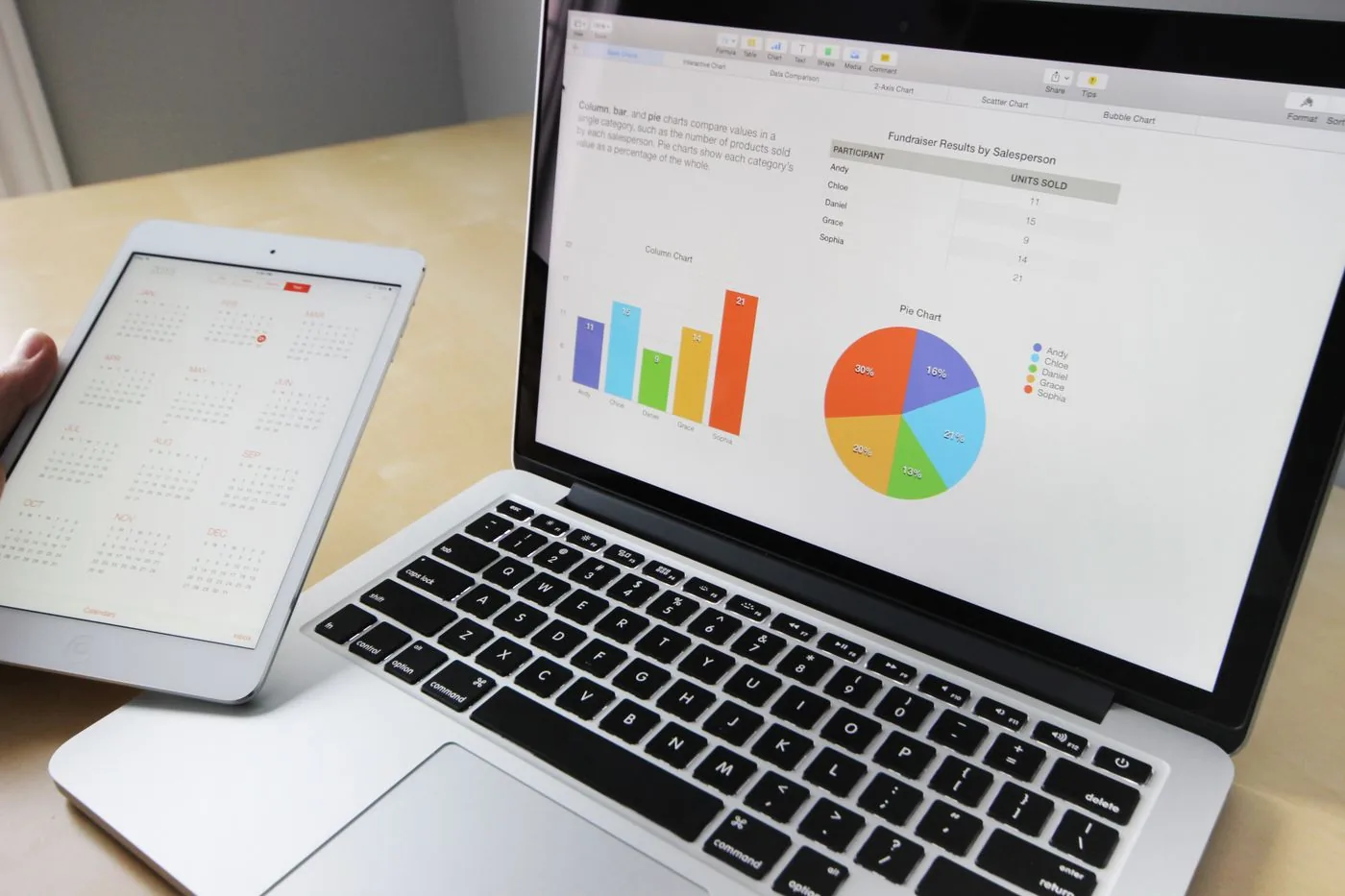
Tablet and laptop analytics for offline conversion and value rules
Offline import
Charts and graphs used for keyword performance and bidding decisions
Auction data
Team restructure meeting with maps and campaign charts
Quarterly view

FAQ

Common questions

What to know before you get started.

What metrics do you include in weekly reports? expand_more
What you spent, leads or sales, cost per lead, return on ad spend, how often your key campaigns showed, notable searches, budget changes, and the share of qualified leads once your CRM is connected.
Can you report on pipeline and revenue, not just form fills? expand_more
Yes, once your CRM is connected. We show what each qualified sales opportunity costs and how much revenue the ads helped bring in, not just form fills.
What tools do you use for dashboards? expand_more
Looker Studio primarily. Custom setups for clients needing Data Studio alternatives or internal BI tools.
How is this different from Google Ads built-in reporting? expand_more
We bring Google, Bing, and your CRM into one report. We add a written summary, advice, and measures Google does not show, such as lead quality.
How often do we get reports? expand_more
Weekly performance summaries standard. Monthly strategic reviews. Ad-hoc alerts for tracking breaks or CPA spikes.
Can we access live dashboards anytime? expand_more
Yes. Dashboards refresh daily so you are never waiting for a PDF to see yesterday's spend.
Do you report on competitor impression share? expand_more
Yes on priority campaigns. Auction insights included in monthly reviews.
How do you report Bing and Google together? expand_more
The same cost per lead and return on ad spend measures for both platforms, so you can compare them fairly.
What if we need board-ready summaries? expand_more
One-page summaries with trend charts, key wins, and budget advice, written without jargon.
Can you integrate with our existing BI stack? expand_more
Yes. We can send the data to BigQuery, Snowflake, or your own data warehouse for internal reporting.
How do you attribute leads to campaigns in reports? expand_more
We match Google's click ID, campaign tags (UTMs), and the source field in your CRM to campaign names. The method is written down.
What happens when numbers disagree between platforms? expand_more
We find the reason and write it down, for example different time windows for crediting a sale, double counting, or tagging problems. We agree up front which source of numbers is the one to trust.
Do you include SEO and paid together? expand_more
Optional cross-channel view when you use multiple HeyLead services. Paid reports stay focused on paid KPIs by default.
Can we customize what the dashboard shows? expand_more
Yes. KPI workshop upfront defines your views. We iterate based on feedback.
How do we get started? expand_more
Request a free reporting audit. We review your current reports and where their data comes from, then propose a dashboard for you.

Ready for reporting that actually explains your ROI?

Get My Free Reporting Audit arrow_forward

Marketing from $500 USD a month

Month to month, no commitment. One fee covers the pages, the search and ad work and the tracking. Ad spend is separate and stays in your own accounts.

Starting at

$500 USD per month

Free to cancel with 1 month's notice. Tell us what you sell and where. We come back with what the first month would fix.

Get a Free Audit

What $500 a month covers

  • Pages

    Included

    Pages built around the searches your buyers actually type.

  • Search and ads

    Included

    Search and ads aimed at people ready to inquire.

  • Tracking

    Included

    Calls, forms and bookings tagged to the search, ad or page behind them.

Our team

The same people on the audit and on the work

Martin writes every audit and takes the first call. The same team stays on the account. 160+ businesses since 2010.

Martin, Founder, strategy and audits

Martin

Founder, strategy and audits

Writes every audit and takes every first call. On your account from day one, running growth for SMEs since 2010.

Yoana, Social and app development

Yoana

Social and app development

Shapes social strategy and builds practical app experiences that turn attention into action.

Mike, SEO

Mike

SEO

Owns technical, local and content SEO so the right buyers find you when demand is highest.

Robert, Paid media

Robert

Paid media

Plans and manages paid search and social campaigns around qualified leads.

Elmer, Analytics

Elmer

Analytics

Connects tracking, attribution and reporting so decisions are based on revenue-quality data.

Dino, Design

Dino

Design

Creates clear brand and conversion-focused design across landing pages, campaigns and product experiences.

Certified and experienced

Certified where it matters. Accountable for the outcome.

Verified platform knowledge, 25+ years of hands-on experience, and an operating track record since 2010.

Google AdsCertified
Google AnalyticsCertified
Google Tag ManagerCertified
Operating since 2010Proven experience