

Martin
Founder, strategy and audits
Writes every audit and takes every first call. On your account from day one, running growth for SMEs since 2010.
A carton quote can pass through a packing manager, a buyer and a finance contact before a purchase order appears. CRM integration, meaning a customer record system, keeps every contact, quote and delivery note on one account, so RFQs are answered fast and a quote does not quietly expire in someone's inbox.
For corrugated makers and carton distributors who want every RFQ logged fast, quotes chased on time and purchase orders reported back to the ad accounts.
Context from how your customers search, compare and book.
RFQs arrive through the quote form, by email to a rep, by phone and through vendor portals. A packing manager whose line is about to stall wants a price today. If the request sits in a shared inbox, the quote goes out late and the account buys from whoever answered first.
One company has many contacts. The packing manager knows the sizes, the buyer negotiates, finance sets credit and a manager approves the supplier. A record that links all of them to one account, with a role on each, stops two reps quoting the same company and shows who still needs a call.
Quotes have a life span. A price stays valid for a limited time because board costs move. Storing the quote date and expiry on the record lets your team chase before it lapses, and shows which quotes were lost to freight, lead time or price rather than guessing.
Delivery reach shapes replies. A request from beyond your freight range should get a courteous, quick decline or a different offer, not silence. Tagging the delivery place on every record lets your team route requests to the right rep and keeps the list free of deals you cannot win.
A clear, repeatable process built around how shipping boxes customers search and decide.

We list how RFQs reach you: quote form, rep email, phone, vendor portal and marketplace message. We note where account data lives now and which tool becomes the single record, with a named owner for each stage and a rule for out-of-hours requests.

Forms, tracking numbers and the call log all connect to one record system. A new RFQ creates or updates an account with company, contact and role, dimensions, board need, quantity, delivery place and source. Duplicates merge on email and company.

Stages run from new to dimensions confirmed, board confirmed, quote sent, sample or prototype, purchase order, first delivery and reorder due. Each quote carries a date and an expiry, and a reminder goes to the rep before it lapses.

Each contact gets a role, each account a delivery area and each lost quote a reason, such as freight, lead time, price or minimum run. After a few months you see what really costs you carton orders and can change offers or pages.

Purchase orders, split by buyer type, are sent to Google and Meta, so ad accounts learn from commercial buyers who ordered and not from every form. We review the list monthly with you and clear quotes that have gone cold.
Get every inquiry into your CRM (customer tracking system) fast, with its source recorded
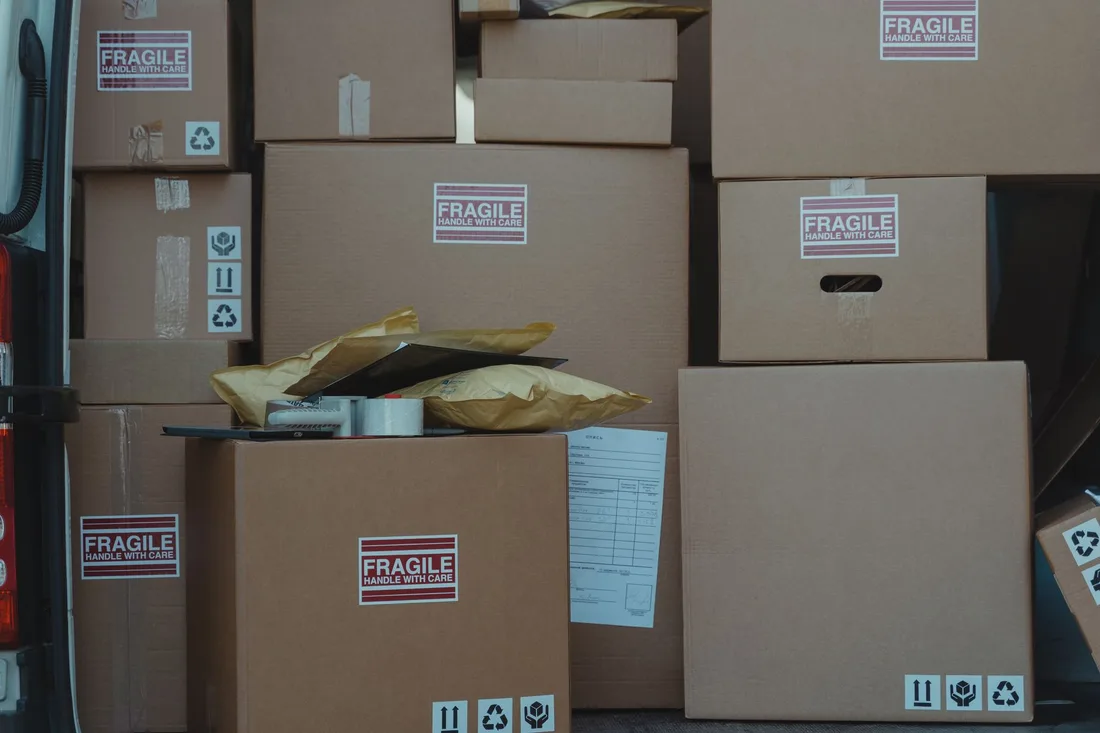
The mechanics behind CRM Integration for shipping boxes, explained plainly.
Many quoting and order tools can send new quotes and purchase orders through an export or a connector. We choose the cleanest route, test with dummy accounts and make sure a revised quote updates the existing record instead of creating a duplicate.
We store the company as the account and each person as a linked contact with a role. This keeps a long buying committee in one place and lets a rep see the whole picture before a call, instead of opening four separate threads.
Emails and texts go only to contacts who asked for a quote or gave their details for orders and can opt out. Reminders go mainly to your own team, and any buyer message is brief, sent at sensible hours and stopped when a purchase order arrives.
Shipping Boxes CRM integration is scoped to the system you already use, or a simple one if you have none. We quote it after a short look at how leads reach you today.
What's included
Every lead from forms, calls and ads lands in one place with its source, and goes to the right person.
Fast first replies and follow-up steps, so fewer leads go quiet.
Booked and lost outcomes tagged, so reports and ad accounts learn which leads were real.
The cost depends on your current tools and how many steps you want automated. Talk to us for a fit.
Getting started is quick. The payoff builds as accounts, contacts and quotes gather a history the whole sales team can read.
We map sources, connect forms and calls and test with dummy RFQs. Reply templates, stage names and out-of-hours rules are agreed with you, and quote expiry reminders are switched on for the first reps.
Records gather sources, roles and stages. You see reply times, which quotes sit longest and which are about to expire. We merge duplicates, add delivery areas and start sending purchase orders back to the ad accounts.
The record has become a shared memory for the sales team. Reorders are prompted, lost reasons guide your offers and ad accounts learn from real orders. Order counts are not promised, and outcomes depend on your product, freight reach and sales team.
Our team
Martin writes every audit and takes the first call. The same team stays on the account. 160+ businesses since 2010.
Founder, strategy and audits
Writes every audit and takes every first call. On your account from day one, running growth for SMEs since 2010.

Social and app development
Shapes social strategy and builds practical app experiences that turn attention into action.

SEO
Owns technical, local and content SEO so the right buyers find you when demand is highest.

Paid media
Plans and manages paid search and social campaigns around qualified leads.

Analytics
Connects tracking, attribution and reporting so decisions are based on revenue-quality data.

Design
Creates clear brand and conversion-focused design across landing pages, campaigns and product experiences.
Certified and experienced
Verified platform knowledge, 25+ years of hands-on experience, and an operating track record since 2010.
Get a free audit and we will show you where you are losing inquiries today.
Get a Free Audit arrow_forward