


Martin
Founder, strategy and audits
Writes every audit and takes every first call. On your account from day one, running growth for SMEs since 2010.
A buyer who needs tape by Thursday does not chase a slow supplier. A customer record system, or CRM, holds each account's contacts, ship-to addresses, credit status and buying rhythm, so a new request gets a quick answer and a regular buyer is prompted before the shelf is empty.
For shipping supplies sellers who want account requests answered fast, trade accounts set up cleanly and regular buyers reminded to reorder.
Context from how your customers search, compare and book.
Account buying has more moving parts than a shop sale. There is a buyer, an approver who signs off, an accounts payable contact and several delivery addresses. If those live in a rep's head, a holiday or a resignation takes the knowledge with it, and the buyer feels the gap at once.
A new account request carries urgency and paperwork. The buyer wants a price and a delivery date, and your finance side wants a credit form. A record that shows which step is waiting, and for whom, stops requests sitting unseen between sales, credit and the order desk.
Reorder rhythm is where the money is. A warehouse that uses a certain number of rolls of tape a month will need more at a predictable time. A record that stores usual products, quantities and order dates lets your team prompt a reorder rather than hoping the phone rings.
Lapsed accounts need attention too. When a regular buyer goes quiet, the cause might be a price change, a missed delivery or a new supplier. Tagging the last order date and the last contact lets a rep call at the right moment and find out, instead of learning about the loss at year end.
A clear, repeatable process built around how shipping supplies customers search and decide.

We trace a real recent account through your office: request, price, credit form, set-up and first delivery. That path becomes the stage list in the record, with a named owner for each step and a clock on how long each may wait.

Each record holds buyer and approver contacts, ship-to addresses, credit status, product groups bought, usual quantities, rep and source. Pick lists keep entries tidy, so reports on a product group or a rep are quick to run.

Online requests, calls and emails create or update records automatically. A request for a quote goes to a rep, a credit form to finance and a stock question to the desk, with an instant acknowledgement and a reminder if no person has answered.

Using order dates, the record prompts a gentle note when a buyer is due to reorder and a rep call when a regular account goes quiet. Messages are short, written in your voice and approved by a person.

Each lead ends as an active account, a one-off buyer or a closed request with a reason, such as price, terms or delivery. Active accounts are sent back to ad accounts so campaigns learn which searches bring accounts that last.
Get every inquiry into your CRM (customer tracking system) fast, with its source recorded
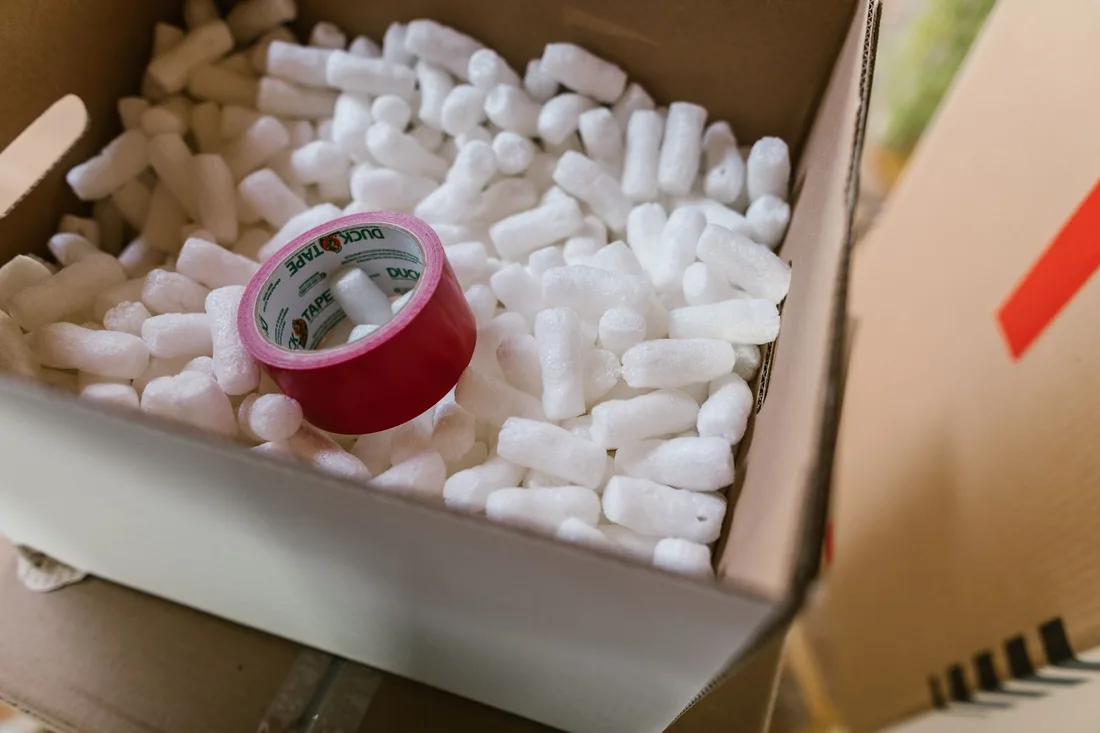
The mechanics behind CRM Integration for shipping supplies, explained plainly.
Where your order or accounting system can share account numbers and order dates, the record updates itself. Where it cannot, we agree a scheduled import and write down exactly what refreshes and when.
Credit forms hold sensitive business and personal details. We keep them out of marketing tools, limit who can open them and make sure forms explain how details will be used.
A fixed calendar reminder suits nobody. Prompts use each account's own order gaps, so a seasonal buyer is nudged before a peak and a steady one when stock is likely to be low.
Shipping Supplies CRM integration is scoped to the system you already use, or a simple one if you have none. We quote it after a short look at how leads reach you today.
What's included
Every lead from forms, calls and ads lands in one place with its source, and goes to the right person.
Fast first replies and follow-up steps, so fewer leads go quiet.
Booked and lost outcomes tagged, so reports and ad accounts learn which leads were real.
The cost depends on your current tools and how many steps you want automated. Talk to us for a fit.
Records come together quickly, and the reorder routines prove themselves over a few buying cycles.
We trace the account path, build the record and connect forms, calls and email. Test requests of each type run through, and every one reaches the right person with a reminder set.
Live requests use the new routing. We watch reply times, notice where credit or rep handover slows things and rewrite reminders after seeing how your team really talks to buyers.
Order history grows, so reorder and win-back prompts become more accurate. Lost reasons start to show patterns. We cannot promise more orders, only that you can see where requests stall.
Our team
Martin writes every audit and takes the first call. The same team stays on the account. 160+ businesses since 2010.
Founder, strategy and audits
Writes every audit and takes every first call. On your account from day one, running growth for SMEs since 2010.

Social and app development
Shapes social strategy and builds practical app experiences that turn attention into action.

SEO
Owns technical, local and content SEO so the right buyers find you when demand is highest.

Paid media
Plans and manages paid search and social campaigns around qualified leads.

Analytics
Connects tracking, attribution and reporting so decisions are based on revenue-quality data.

Design
Creates clear brand and conversion-focused design across landing pages, campaigns and product experiences.
Certified and experienced
Verified platform knowledge, 25+ years of hands-on experience, and an operating track record since 2010.
Get a free audit and we will show you where you are losing inquiries today.
Get a Free Audit arrow_forward