
Martin
Founder, strategy and audits
Writes every audit and takes every first call. On your account from day one, running growth for SMEs since 2010.
An owner thinking of spending a large sum on an extension will study your site closely, often over several visits. They look for projects like theirs, signs of a calm process and a sensible way to start talking. We design sites that carry that long scrutiny, load fast on phones and book feasibility meetings.
For home renovation and extension builders who want a site that proves capability on large projects, with case studies, meeting forms, speed and tracking across repeat visits.
Context from how your customers search, compare and book.
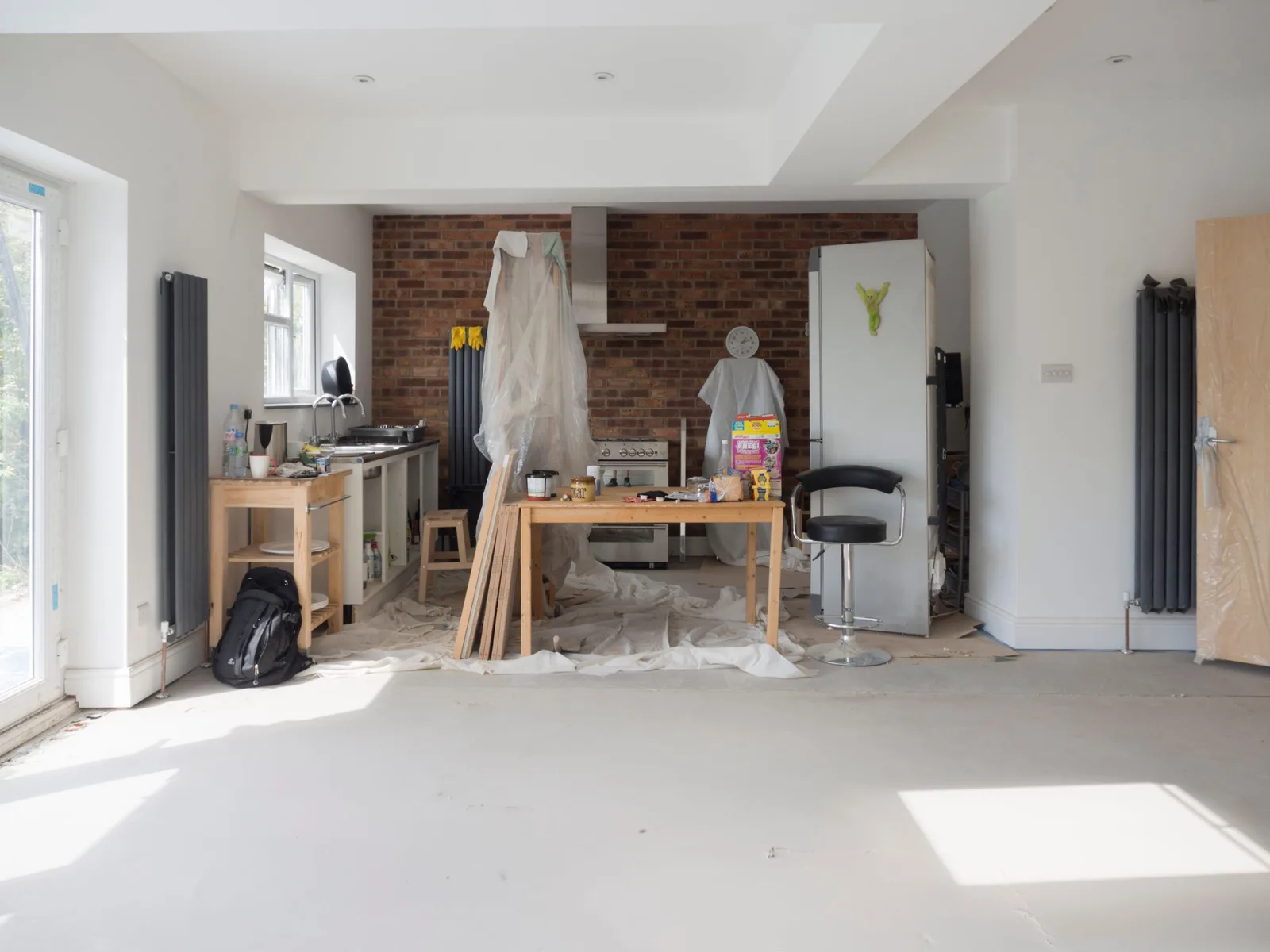
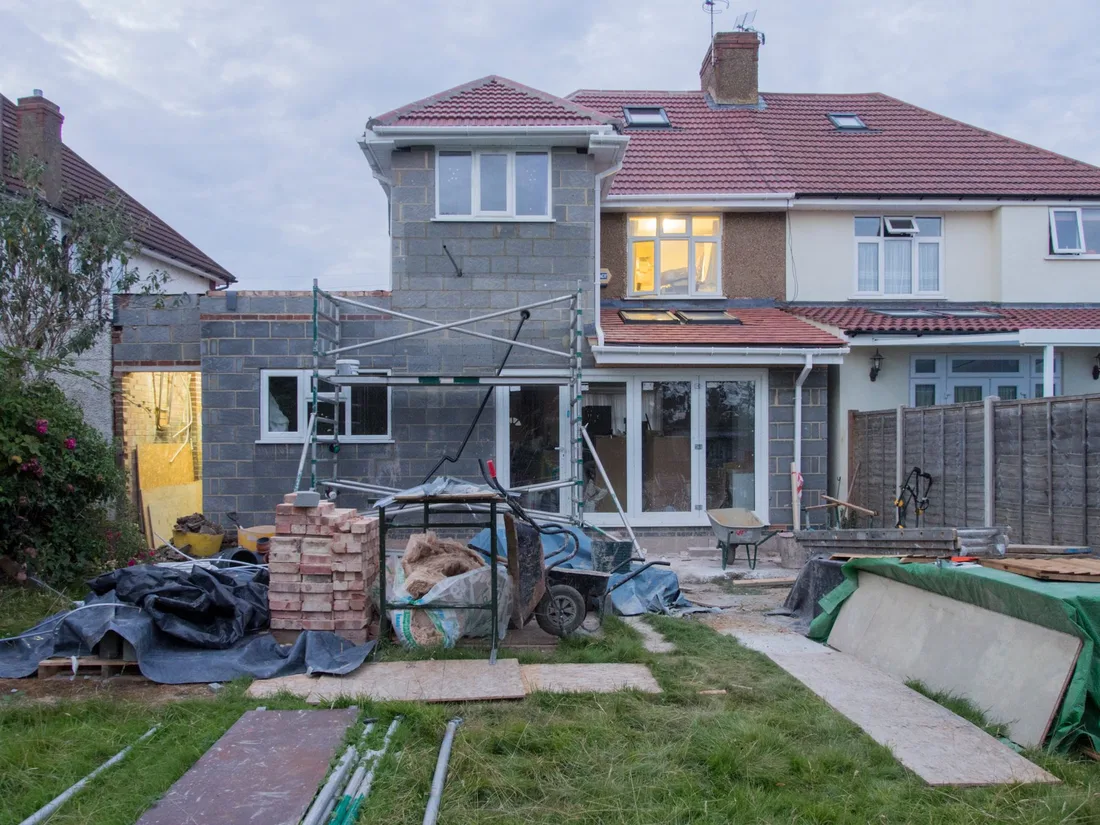
Large projects demand evidence. A site should show completed extensions and renovations by type and size, with plans next to photographs so a visitor sees how a cramped layout became an open one. A page for each project type keeps related proof together and makes it easy for an owner to find a build like theirs.
The site also has to explain how the work runs. Owners want a clear path: first meeting, feasibility, drawings, approvals, pricing, contract, build and handover. Showing the stages, who is responsible at each and how changes are agreed in writing makes a major spend feel safer than any promise of quality.
Many visitors return several times, so the site must reward repeat visits. Case studies, cost guides and approval explainers give them new reasons to come back. Each page should offer a gentle next step, such as downloading a planning checklist, and a stronger one, such as booking a feasibility meeting.
The meeting form needs care. Asking for too little brings vague messages, and asking for too much loses owners. A good form asks for project type, rough budget band, start window and whether plans exist, adds an optional upload and tells the visitor what happens next. It should work well on phones, since owners often browse while commuting.
A clear, repeatable process built around how home renovations and extensions customers search and decide.

We review your finished projects, plans, photos and client notes, and choose the ones that lead. We also note gaps, such as missing before images, and list the questions owners ask at first meetings. These shape the page plan.

We plan a home page, project type pages, case studies, process page, cost guide, approvals explainer, about, reviews and contact. You approve the map before design begins, so structure never changes after the visuals are done.

Pages are designed around large photographs, side-by-side plans and plain headings. A meeting request button follows the visitor down each page. We build on a platform you can edit, with careful attention to phone layout.

We write the stage-by-stage process, how variations are handled, how you protect a lived-in home and short client stories you have cleared. Reviews and project details sit beside the gallery, not on a hidden page.

We test forms, calls and speed on several phones, redirect old links, launch and set up tracking for repeat visitors. Every month we look at which pages lead to meeting requests and suggest what to add next.
Pages that make it easy to understand the offer and take the next step in Australia
The mechanics behind Web Design for home renovations and extensions, explained plainly.
Drawings and photographs both need to be sharp. We serve images in several sizes, compress them carefully and use zoomable plan views that stay light. Pages open fast even when they hold many images of large projects.
Because owners return over months, analytics record the first page a visitor opened and the pages seen along the way. When they finally ask for a meeting, you see the whole path, which shows what content builds confidence.
The meeting form posts to your inbox and customer record system with a backup copy, and we send test entries monthly. You own the site, domain and accounts, and access details are handed to you at launch.
Home Renovations and Extensions web design starts at A$2,000. Scope depends on how many pages and features you need, and we agree it with you after seeing your current site.
What's included
The pages customers need to decide, laid out for phones first, with proof and a clear next step.
Forms and call buttons that work on every phone, with each request tracked to its source.
Image, speed and mobile checks before launch, and a short list of fixes afterwards.
Larger builds, such as online shops or booking systems, are scoped after discovery. Talk to us for a fit.
Building a site for large projects rests on strong content. The slowest part is usually gathering plans, photos and client notes.
Project audit, page plan and form design. You send plans, photos and notes on past jobs, and we agree the structure and what each case study should say.
Build and content stage. You see the site on a private link and approve the text. We test forms, calls and phone layout, and fix problems before launch.
After launch we track meeting requests and repeat visits, add case studies as projects finish and improve weak pages. Results depend on traffic as well as design, so no number of requests can be promised.
Our team
Martin writes every audit and takes the first call. The same team stays on the account. 160+ businesses since 2010.
Founder, strategy and audits
Writes every audit and takes every first call. On your account from day one, running growth for SMEs since 2010.

Social and app development
Shapes social strategy and builds practical app experiences that turn attention into action.

SEO
Owns technical, local and content SEO so the right buyers find you when demand is highest.

Paid media
Plans and manages paid search and social campaigns around qualified leads.

Analytics
Connects tracking, attribution and reporting so decisions are based on revenue-quality data.

Design
Creates clear brand and conversion-focused design across landing pages, campaigns and product experiences.
Certified and experienced
Verified platform knowledge, 25+ years of hands-on experience, and an operating track record since 2010.
Get a free audit and we will show you where you are losing enquiries today.
Get a Free Audit arrow_forward
Reviewed by
Martin Marinov
Founder, HeyLead
Martin founded HeyLead and has worked in SEO and paid search for more than 20 years, across Google Ads, Microsoft Ads and organic search.