
Martin
Founder, strategy and audits
Writes every audit and takes every first call. On your account from day one, running growth for SMEs since 2010.
Someone visiting a tree company's website is deciding whether to let a crew with saws and ropes work next to their house. The site must show a number for emergencies, proof of insurance and skill, and an easy way to send a photo for a quote. We design and build it and its tracking. Safety and pricing decisions stay with you.
For tree service companies and arborists who need a site that handles storm calls, shows careful work, proves cover and collects photo quote requests.
Context from how your customers search, compare and book.
The top of the page carries two messages. One is for the person with a tree on the roof: a number, a line about emergency attendance and your service area. The other is for the planner: a strong photo of a tidy removal and a clear route to a quote. Both should be visible on a phone without scrolling.
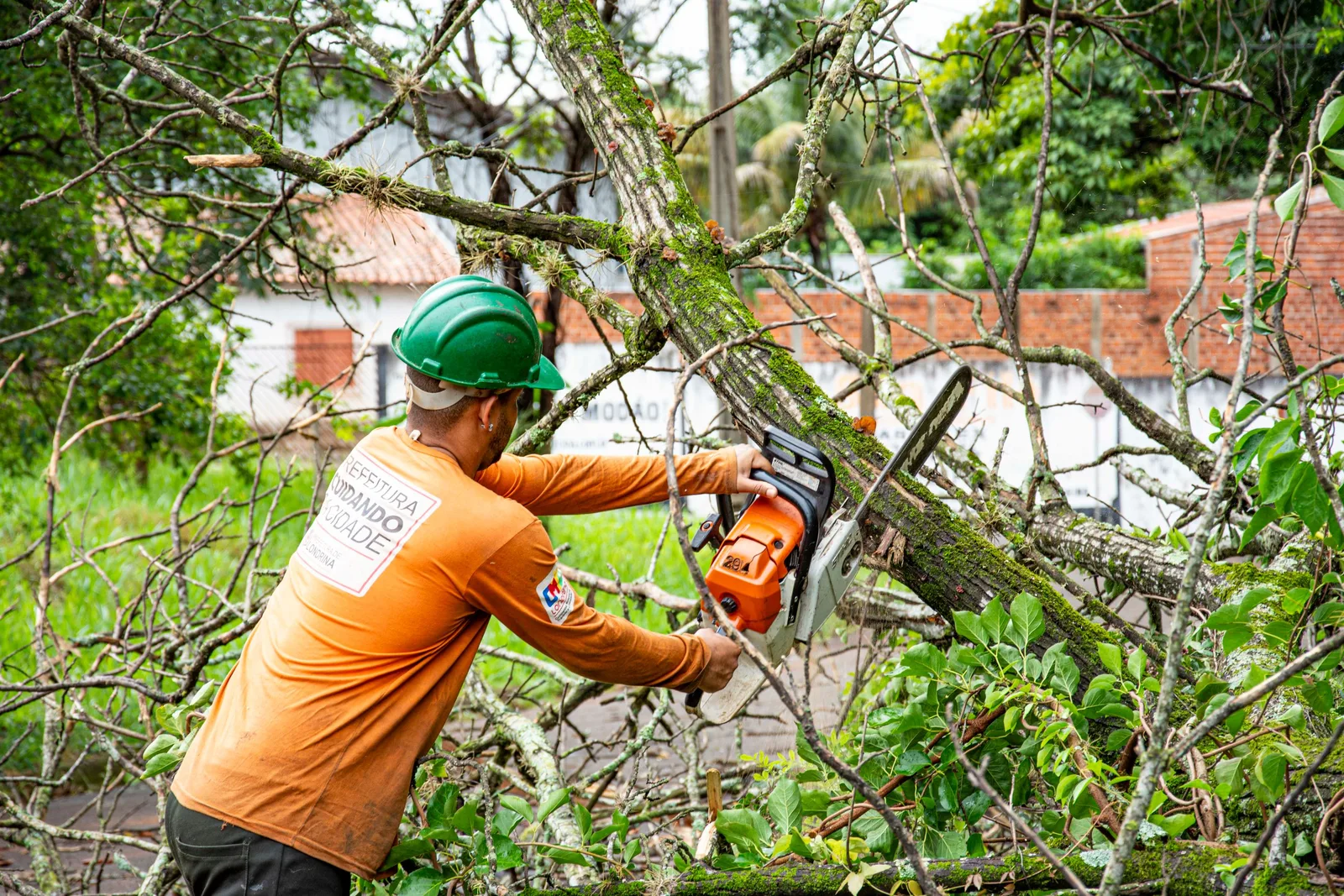
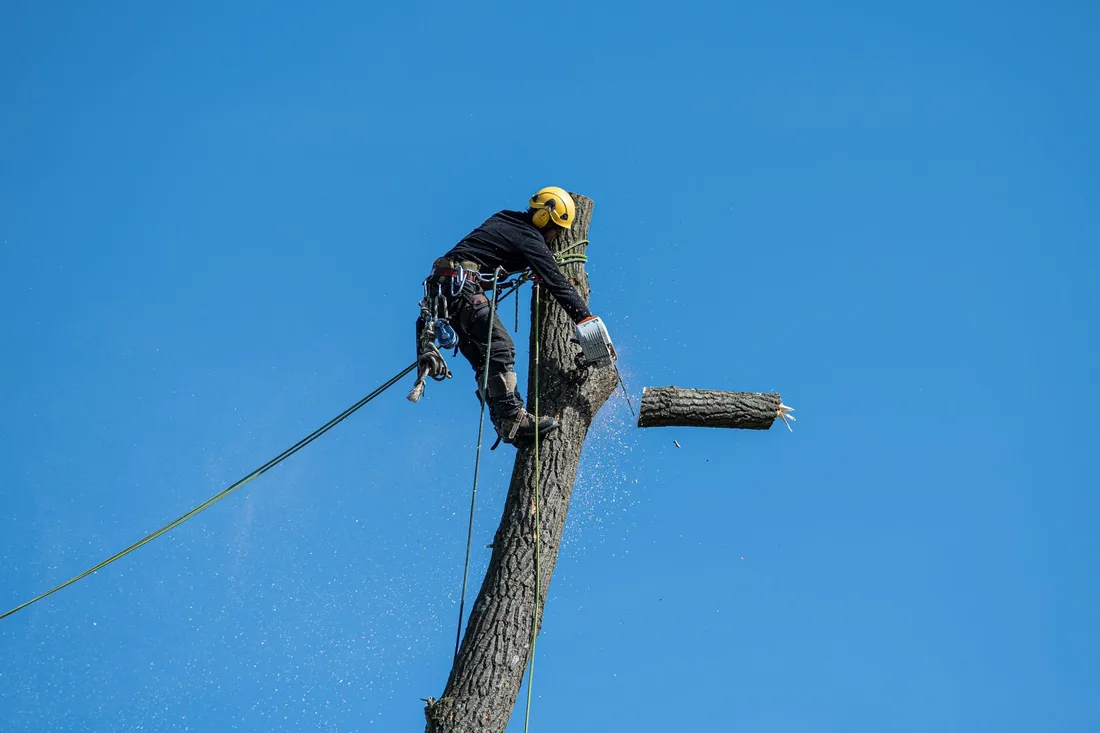
Proof is the heart of the site. Owners worry about insurance, climbing skill, damage to lawns and who clears the mess. A credentials page, crew photos, equipment pictures and short stories of tricky removals answer all four. Statements must be accurate and backed by documents you can show on request.
Service pages should speak in jobs. Dangerous tree removal, crown pruning, stump grinding, storm cleanup, land clearing and tree health checks each need their own page with photos, what happens on the day and what the owner needs to prepare. Honest notes on access, drop zones and cleanup reduce surprises.
The quote form is where the site pays. It should accept photos, ask where the tree stands relative to the house and any lines, and give a realistic response time. A separate commercial path for property managers and developers collects scope and site access. Every form should confirm receipt clearly.
A clear, repeatable process built around how tree services and arborists customers search and decide.

We list the pages you need: emergency, removal, pruning, stump grinding, clearing, tree health, credentials, commercial, gallery and about. You supply photos, equipment lists and documents. We agree a simple page map before design starts.

We design the top of the home page around two routes: an emergency call path and a quote path. We test it on small phones and in bright light, since many visitors arrive outdoors under a worrying tree.

Each job type gets its own page with real photos, what happens on the day and what the owner can expect. Galleries are filtered by job and tree type and load light. Short captions explain scale, access and equipment.

We build forms that accept phone photos, ask the tree's position and set a clear response time. Commercial forms ask for site details and scope. Each submission sends a confirmation and alerts the right person by text or email.

We test calls and forms on several phones, redirect old addresses, switch on tracking and go live with care. Your team learns to update hours, storm notices and photos, and we stay on afterward to improve what the data shows.
Pages that make it easy to understand the offer and take the next step in Australia
The mechanics behind Web Design for tree services and arborists, explained plainly.
Tree galleries are image-rich, so we size pictures to the screen, load them as visitors scroll and avoid auto-playing video. A page that opens on a weak rural signal is worth more than a showy one.
A simple notice bar lets staff post storm cover, response times and closed hours in seconds. During wind events the home page can lead with the emergency path, and then revert, without touching the layout.
Photo uploads work with phone cameras and compress files for poor signals. Spam is blocked quietly and every entry is saved. Tags show which page, job type and source produced each call or form.
Tree Services and Arborists web design starts at A$2,000. Scope depends on how many pages and features you need, and we agree it with you after seeing your current site.
What's included
The pages customers need to decide, laid out for phones first, with proof and a clear next step.
Forms and call buttons that work on every phone, with each request tracked to its source.
Image, speed and mobile checks before launch, and a short list of fixes afterwards.
Larger builds, such as online shops or booking systems, are scoped after discovery. Talk to us for a fit.
Most tree service sites take a few weeks to plan, build and test, and then improve with real call and form data.
We agree the page map, collect photos, documents and equipment lists, and design the first screen and one service page for approval. Credential documents often take time to find, so we ask for them early.
The build is finished and every page is tried on real phones. The site goes live with redirects from old addresses, and for the first days we watch calls and form delivery closely.
We study how visitors move from gallery to quote, improve weak pages and add new jobs and commercial content. Changes are checked against calls and forms. Nobody can say in advance how many leads a site alone will bring.
Our team
Martin writes every audit and takes the first call. The same team stays on the account. 160+ businesses since 2010.
Founder, strategy and audits
Writes every audit and takes every first call. On your account from day one, running growth for SMEs since 2010.

Social and app development
Shapes social strategy and builds practical app experiences that turn attention into action.

SEO
Owns technical, local and content SEO so the right buyers find you when demand is highest.

Paid media
Plans and manages paid search and social campaigns around qualified leads.

Analytics
Connects tracking, attribution and reporting so decisions are based on revenue-quality data.

Design
Creates clear brand and conversion-focused design across landing pages, campaigns and product experiences.
Certified and experienced
Verified platform knowledge, 25+ years of hands-on experience, and an operating track record since 2010.
Get a free audit and we will show you where you are losing enquiries today.
Get a Free Audit arrow_forward
Reviewed by
Martin Marinov
Founder, HeyLead
Martin founded HeyLead and has worked in SEO and paid search for more than 20 years, across Google Ads, Microsoft Ads and organic search.