
Martin
Founder, strategy and audits
Writes every audit and takes every first call. On your account from day one, running growth for SMEs since 2010.
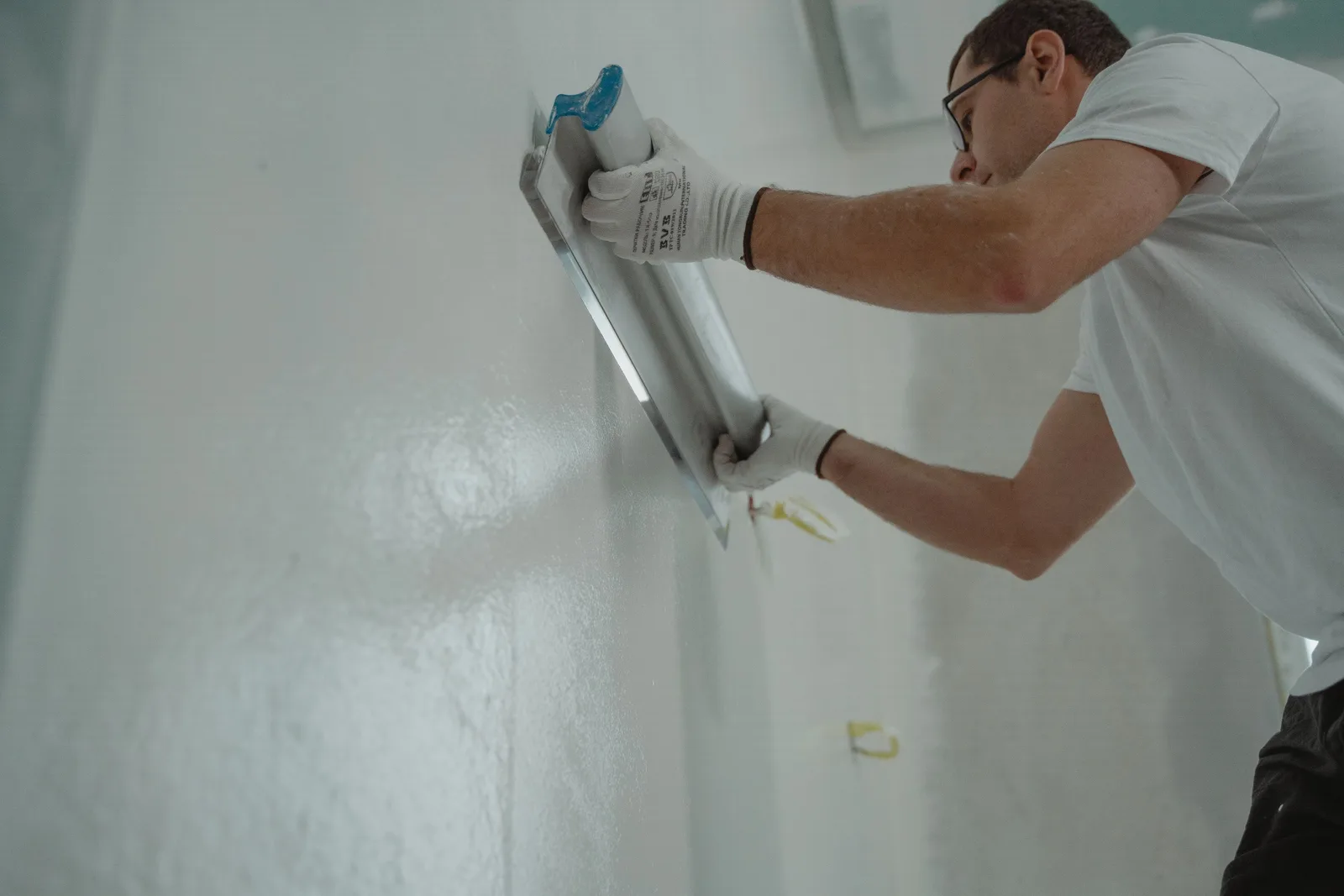
An owner looking at a cracked wall wants evidence that you can fix it properly and make it look good. We design rendering websites with big before and after galleries, plain system explanations, tidy forms and fast pages that bring in inspection requests with photos attached.
For rendering contractors who need a site that proves quality, explains systems clearly and turns visitors into inspection requests.
Context from how your customers search, compare and book.
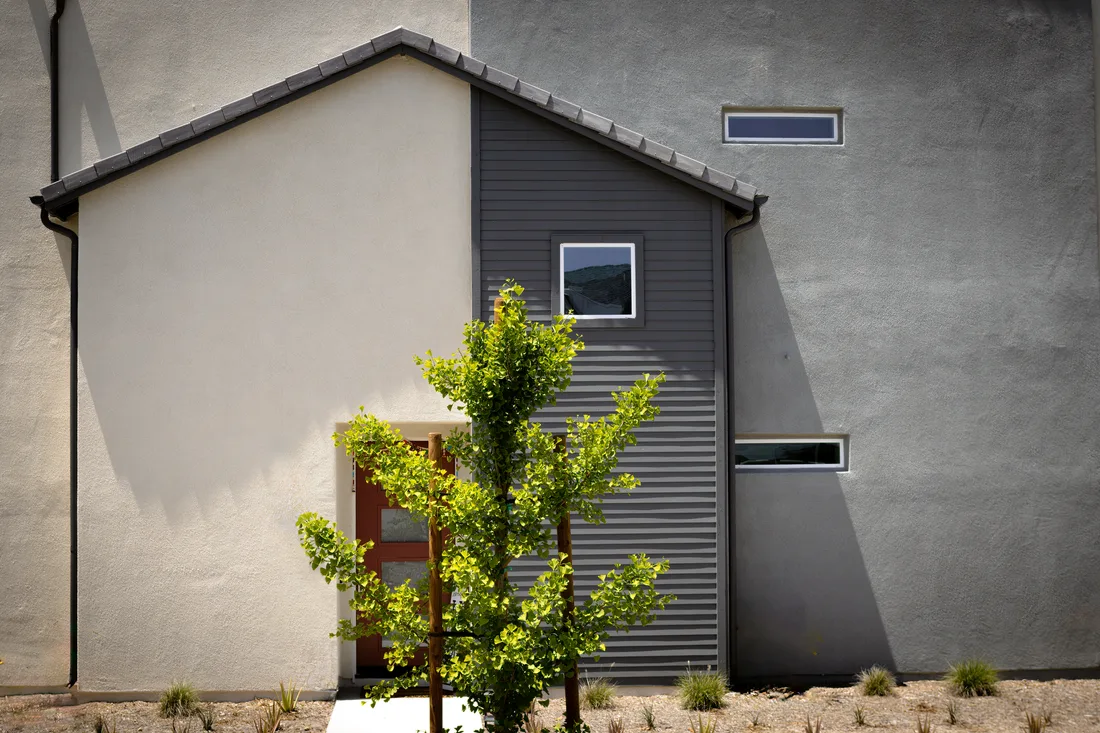
A render website is mostly a gallery, so the gallery must be excellent. Large, sharp photos sorted by finish, with the wall type and system named, let visitors compare. Before and after pairs shot from the same spot are the most persuasive proof you can show.
Owners arrive with questions that a good site answers calmly: why did my render crack, can it be repaired, how long does scaffold stay up, will the new shade match? Short answers placed next to the inspection button do more than a mission statement, and they cut the number of repeat questions your office hears each week.
Different visitors need different pages. A homeowner with failing render, a builder with a block house, and a property manager with a weathered commercial front each look for something distinct. Separate paths from the home page, with their own proof and forms, keep each from digging through content meant for the others.
Evidence of competence matters. Photos of preparation, mesh and base coats, notes on curing and weather, your registration and insurance details and reviews that mention neat edges and tidy sites reassure cautious visitors. The page should make it easy to ask for an inspection, not just to call.
A clear, repeatable process built around how rendering customers search and decide.

We select your strongest facades, sort them by system and finish, and list the shots still needed, such as matching before and after pairs, close-ups of texture and preparation stages. Missing pictures can be captured on upcoming jobs.

We plan paths for owners, builders and commercial managers from the home page, then pages for restoration, acrylic and texture finishes, new builds and insulated systems. You approve the structure before building starts, and we explain each choice.

The form asks for wall type, problem or plan, rough size and photos, and offers inspection windows. Calls, texts and forms reach you and your customer records, with a clear confirmation that tells the owner what happens next.

We build a fast site, compress photos, add reviews, credentials and plain answers on cracks, curing and upkeep, and test on older phones and slow connections. You approve every technical statement before launch, and nothing goes out unseen.

On launch day the old addresses are redirected, tracking is switched on and every button is tested. Your team is shown how to post finished facades, and the first weeks get a close watch for anything that confuses visitors or loses their details.
Pages that make it easy to understand the offer and take the next step in Australia
The mechanics behind Web Design for rendering, explained plainly.
Slider comparisons win trust, yet they add weight. Ours are built light and load on demand, with a plain pair of photos as backup so the proof still shows on a slow connection.
Owners can attach several phone photos, which we shrink as they upload. The form confirms receipt, checks phone numbers and shows a call option if anything fails, so no request disappears.
Every call, form and gallery view carries a tag for owner, builder or commercial. A plain editor lets your team post finished facades in minutes, with no developer in the loop.
Rendering web design starts at A$2,000. Scope depends on how many pages and features you need, and we agree it with you after seeing your current site.
What's included
The pages customers need to decide, laid out for phones first, with proof and a clear next step.
Forms and call buttons that work on every phone, with each request tracked to its source.
Image, speed and mobile checks before launch, and a short list of fixes afterwards.
Larger builds, such as online shops or booking systems, are scoped after discovery. Talk to us for a fit.
A rendering site grows from its gallery, so the early weeks are about choosing and capturing the right photos.
Before any build starts, we go through your finished facades and agree what to show. You see a sketch of how each type of visitor will find their way, plus a list of missing pictures.
The pages take shape and get tested on real phones. You approve technical statements, tracking is connected, and the site only goes live after the inspection form and the call button have been tried repeatedly.
After launch we study what visitors click, add each new facade and try small changes to forms and headings. The outcome depends on traffic, photo quality and how quickly you answer, and no figures are promised.
Our team
Martin writes every audit and takes the first call. The same team stays on the account. 160+ businesses since 2010.
Founder, strategy and audits
Writes every audit and takes every first call. On your account from day one, running growth for SMEs since 2010.

Social and app development
Shapes social strategy and builds practical app experiences that turn attention into action.

SEO
Owns technical, local and content SEO so the right buyers find you when demand is highest.

Paid media
Plans and manages paid search and social campaigns around qualified leads.

Analytics
Connects tracking, attribution and reporting so decisions are based on revenue-quality data.

Design
Creates clear brand and conversion-focused design across landing pages, campaigns and product experiences.
Certified and experienced
Verified platform knowledge, 25+ years of hands-on experience, and an operating track record since 2010.
Get a free audit and we will show you where you are losing enquiries today.
Get a Free Audit arrow_forward
Reviewed by
Martin Marinov
Founder, HeyLead
Martin founded HeyLead and has worked in SEO and paid search for more than 20 years, across Google Ads, Microsoft Ads and organic search.