

Martin
Founder, strategy and audits
Writes every audit and takes every first call. On your account from day one, running growth for SMEs since 2010.
A paving website is judged by its pictures and by how well it explains what lies underneath them. Visitors want to see patterns, borders and older jobs that have stayed level, then request a site visit without a long phone call. The build covers the site and its tracking. Materials and pricing remain your decision.
For paving and driveway contractors who want a gallery-led site that proves base quality, shows patterns and collects measure requests with area and photos.
Context from how your customers search, compare and book.
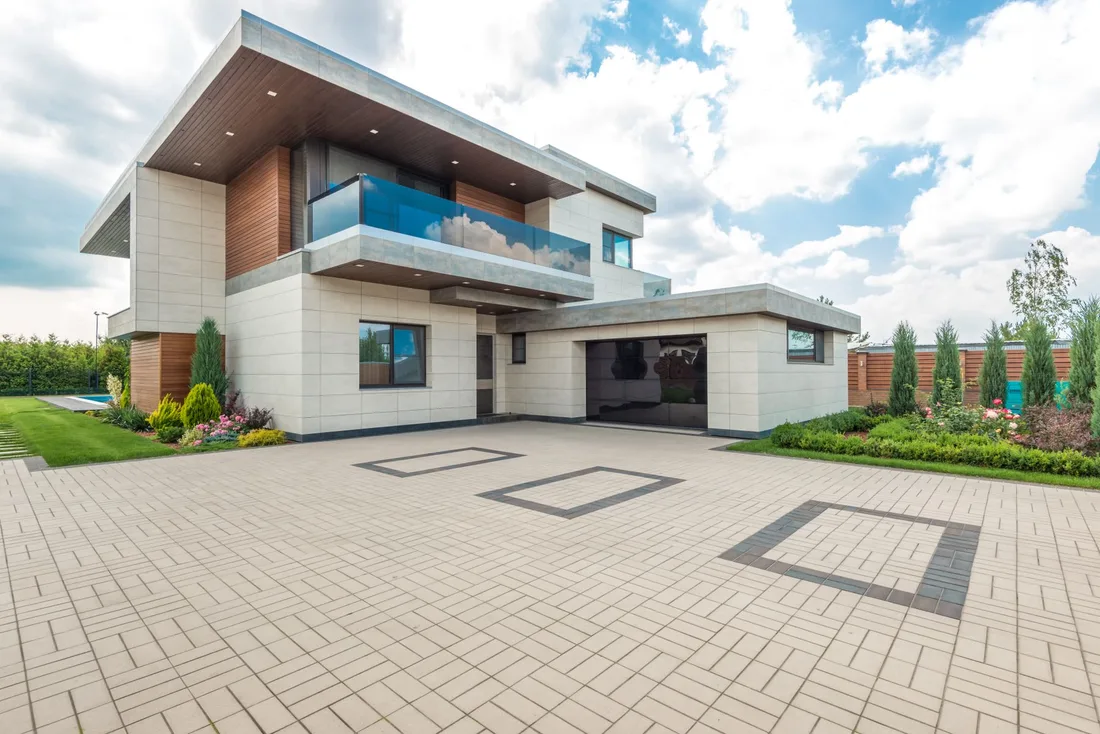
The gallery is the shop window. Owners compare patterns, borders, steps and finishes, and they want to filter by material and by type of job. Large, sharp photos with short captions naming the material and area tell them whether you can deliver what they imagine, and whether the work suits their style of home.
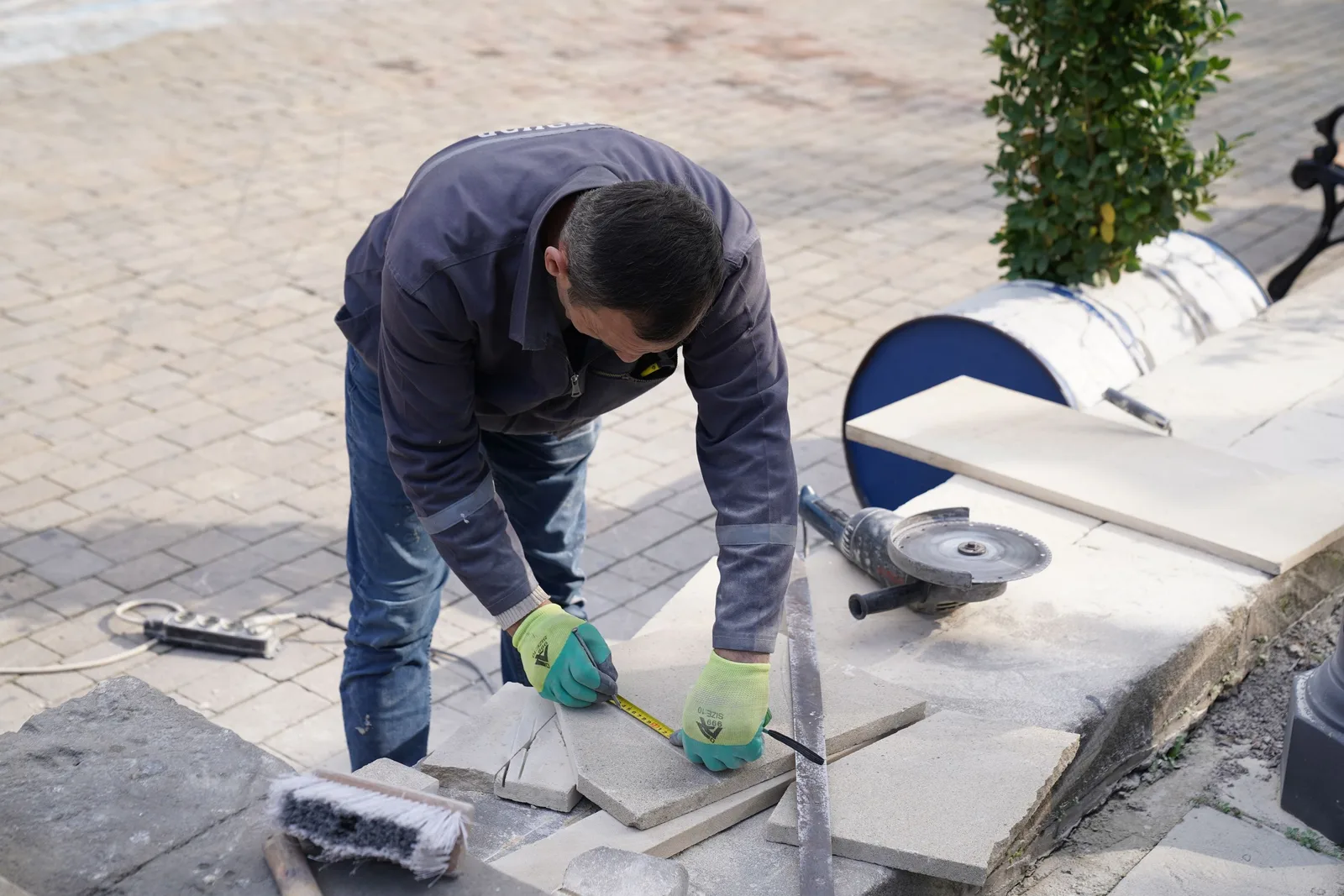
The base needs a place on the site. Show a cross-section drawing, a compaction photo and a finished surface from a few years back. Explain in plain words how deep you dig, how water leaves the surface and what edging holds it together. This is what separates a contractor from a quote on a page.
The request form should lower the barrier. Ask for rough area, current surface, material interest and a photo, with a clear promise of what happens next. A separate commercial form for managers and builders collects drawings, site access and timing. Each submission should trigger a confirmation and a call.
Trust belongs on every page. Visitors want to know that you are registered, insured, local and tidy, and what happens if something settles. Short statements beside the request button, photos of your crew at work and reviews that mention levels and cleanliness help. Claims must always be documented.
A clear, repeatable process built around how paving and driveways customers search and decide.

We list the pages you need: driveways, patios, courtyards, walkways, commercial, base build, gallery and about. You supply photos, materials and facts such as areas and lead times. We agree a plain page map before design begins.

We design galleries that filter by material, pattern and job and open to project pages. Each project shows area, material, finish and a short note on the base. Photos load as visitors scroll, keeping pages light on a phone.

A simple page and short blocks explain excavation, compaction, base layers, falls for water and edging, using drawings and your own stage photos. Your foreman reviews the wording. This is the content that most reduces doubt for cautious owners.

We build a residential form asking for area, surface, material and photo, and a commercial form for drawings and access. Every entry triggers a confirmation to the visitor and an alert to the right team member. Errors are friendly and nothing is lost if a signal drops.

We test calls and forms on several phones, set up tracking, redirect old addresses and go live carefully. Your team learns to add projects, change hours and update lead times, and we remain available to improve what the data shows.
Pages that make it easy to understand the offer and take the next step in Australia
The mechanics behind Web Design for paving and driveways, explained plainly.
Paving sites rely on big images, so we resize for each screen, load pictures as visitors scroll and avoid autoplay video. A gallery that opens fast on a phone in a driveway matters more than a flashy slider.
Upload fields work with phone cameras and accept plans for commercial jobs. Files are compressed for weak signals, spam is blocked quietly and every entry is saved even if an email fails.
Calls and forms are tagged by page, material and source. If you record which measures became signed jobs, reports show which pages and materials bring contracts, and which only bring browsing.
Paving and Driveways web design starts at A$2,000. Scope depends on how many pages and features you need, and we agree it with you after seeing your current site.
What's included
The pages customers need to decide, laid out for phones first, with proof and a clear next step.
Forms and call buttons that work on every phone, with each request tracked to its source.
Image, speed and mobile checks before launch, and a short list of fixes afterwards.
Larger builds, such as online shops or booking systems, are scoped after discovery. Talk to us for a fit.
A paving site usually takes a few weeks to plan and build, then improves as real requests arrive.
We agree the page map, gather photos and project details and design the home page and one project page for approval. Photos of older jobs and base stages take time to find, so we ask for them early.
Pages, galleries and forms are built and tested on real devices. The site goes live with redirects from old addresses, and we watch form delivery and calls closely during the first days.
We study how visitors move from gallery to request, improve weak pages and add new projects. Changes are checked against calls and forms. Nobody can promise a set number of leads from a site alone.
Our team
Martin writes every audit and takes the first call. The same team stays on the account. 160+ businesses since 2010.
Founder, strategy and audits
Writes every audit and takes every first call. On your account from day one, running growth for SMEs since 2010.

Social and app development
Shapes social strategy and builds practical app experiences that turn attention into action.

SEO
Owns technical, local and content SEO so the right buyers find you when demand is highest.

Paid media
Plans and manages paid search and social campaigns around qualified leads.

Analytics
Connects tracking, attribution and reporting so decisions are based on revenue-quality data.

Design
Creates clear brand and conversion-focused design across landing pages, campaigns and product experiences.
Certified and experienced
Verified platform knowledge, 25+ years of hands-on experience, and an operating track record since 2010.
Get a free audit and we will show you where you are losing enquiries today.
Get a Free Audit arrow_forward
Reviewed by
Martin Marinov
Founder, HeyLead
Martin founded HeyLead and has worked in SEO and paid search for more than 20 years, across Google Ads, Microsoft Ads and organic search.