
Martin
Founder, strategy and audits
Writes every audit and takes every first call. On your account from day one, running growth for SMEs since 2010.
Your website has one job when a worried homeowner lands on it: show that you know what is under the house and make booking a visit easy. Many crawl space sites bury the phone number, hide photos in a gallery nobody opens and ask for too much before a visit. A better site fixes that.
For crawl space encapsulation companies that want a fast, believable site with problem-led pages, real photos, short forms and tracking that connects each request to a sold job.
Context from how your customers search, compare and book.
Visitors arrive scared or suspicious. Scared, because water, a smell or a pest report seems costly. Suspicious, because many have heard of pushy sales visits. The top of each page should name the problem in plain words, say you will look first and explain afterward, and offer a call or a short form.
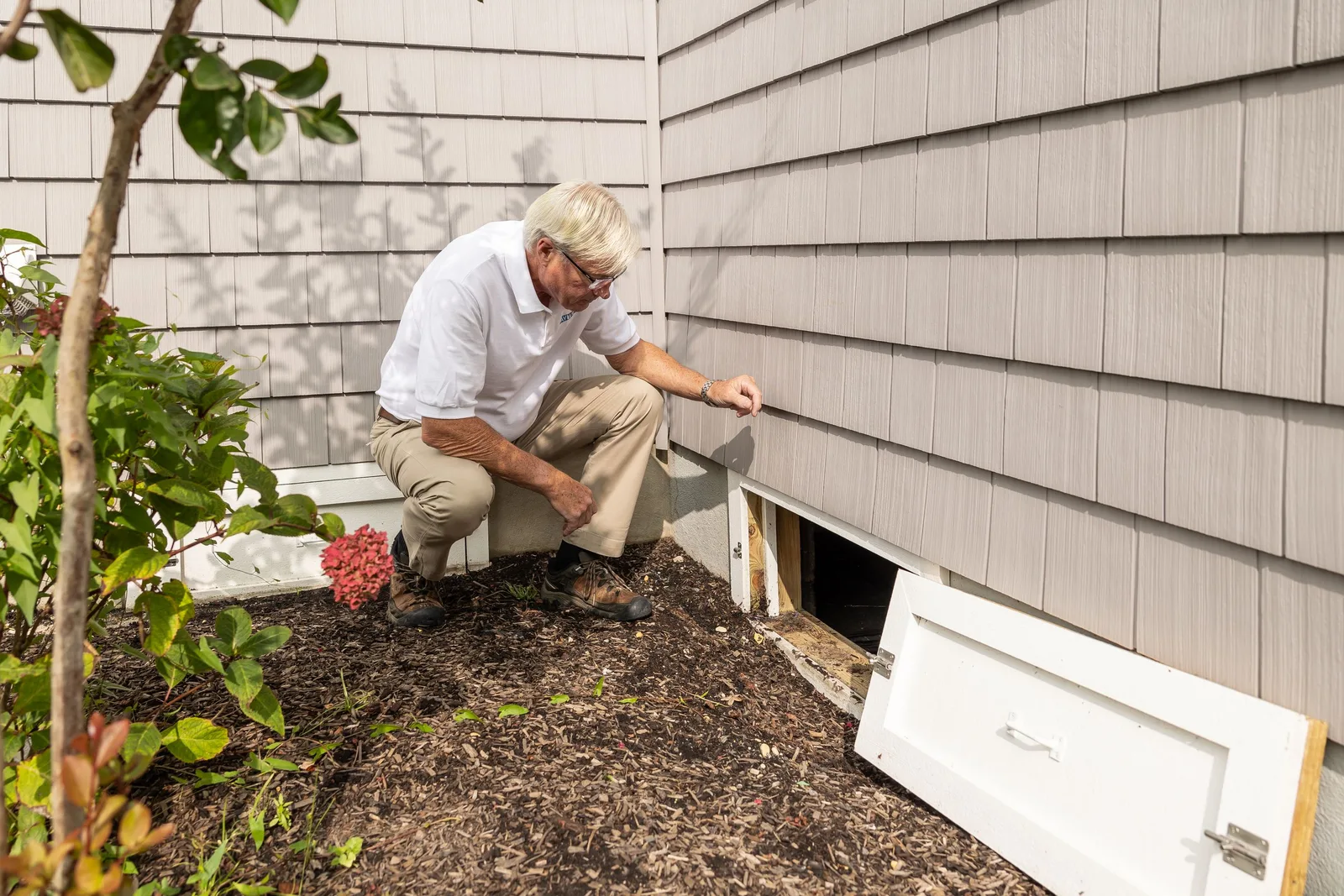
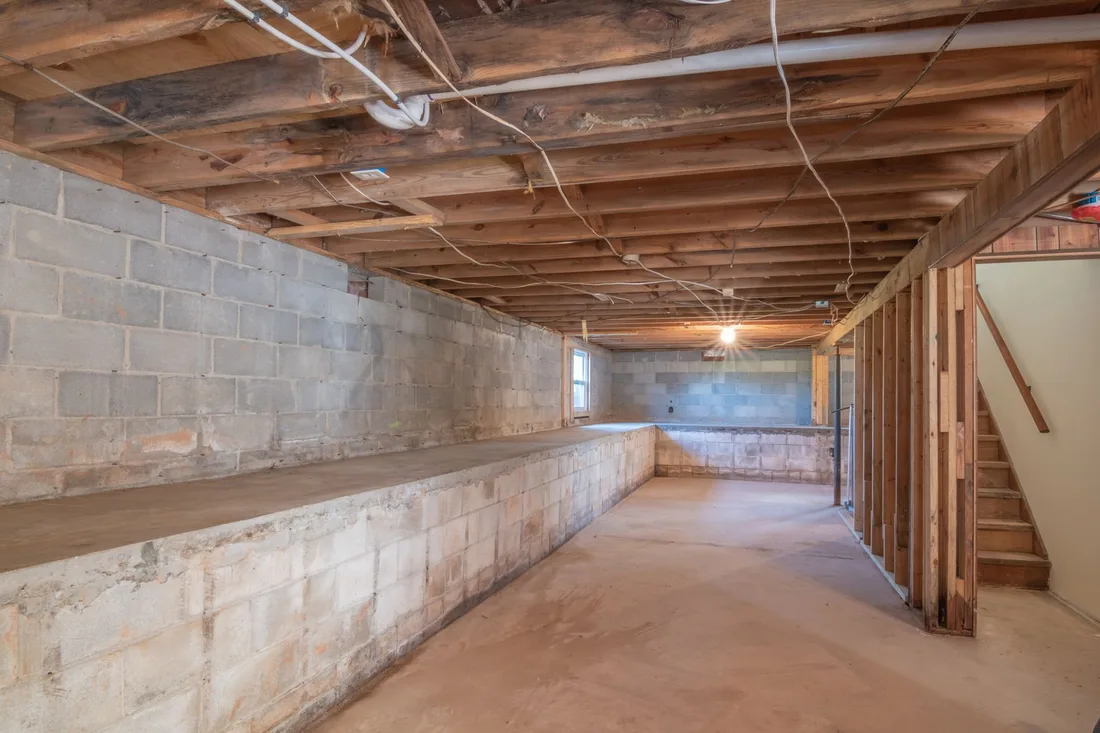
Proof does the persuading. Photos of real crawl spaces, a marked diagram of liner, sealed walls and dehumidifier, and a short note on how you test moisture show the visitor what they would be paying for. Registration, insurance and warranty details belong near the call button, not buried in a footer.
Layout should follow the questions people ask. What is wrong, how do you fix it, how long are you under my house, will you leave a mess, what does it cost and how do I book. Putting those in order on one scroll beats sending visitors across six tabs on a phone.
The site also has to sort visitors. Someone with standing water needs a different top section from someone planning a full encapsulation, and a seller with a deadline needs a different page again. One site can serve all three if each path is clear and its form asks only what the estimator needs.
A clear, repeatable process built around how crawl space encapsulation customers search and decide.

We plan a home page and separate pages for standing water, smell, insulation, pests and full encapsulation, plus a page for sellers and agents. Each page has one path to a visit, so the visitor never wonders which button to press.

Page sections follow what a homeowner wants to know: the problem, the cause, the fix, the mess question and the next step. Large before and after photos sit beside short text, with crew faces and van photos so the visitor sees who is coming.

Forms ask for name, phone, area and one short question about what the owner has noticed. An optional box asks whether a sale is pending. Fewer fields get more completions, and the answers help your estimator arrive prepared.

We build on a light framework, compress every photo and test on older phones and slow connections. The call button is checked on each page, forms are tried end to end and confirmation messages reach the right inbox and phone.

At launch, call tracking and form tracking go live and are tested. After a few weeks we review heat maps and call data, then fix pages that bring visitors but no calls, often by moving a photo or shortening a form.
Pages that make it easy to understand the offer and take the next step in Australia
The mechanics behind Web Design for crawl space encapsulation, explained plainly.
Crawl space photos are dark, detailed and large. We resize and compress them, serve modern formats and load galleries only as visitors scroll, so the first screen appears quickly even when the page holds dozens of pictures.
Each form sends an email and text alert, stores the lead in your customer record system and shows a clear thank-you message. Spam filters run quietly in the background, so the visitor never has to solve a puzzle to ask about a wet floor.
Call tracking numbers swap by source, forms record the page and message, and both link to the job status in your records. You can then see which page produced signed encapsulation work, not just which one got the most visitors.
Crawl Space Encapsulation web design starts at A$2,000. Scope depends on how many pages and features you need, and we agree it with you after seeing your current site.
What's included
The pages customers need to decide, laid out for phones first, with proof and a clear next step.
Forms and call buttons that work on every phone, with each request tracked to its source.
Image, speed and mobile checks before launch, and a short list of fixes afterwards.
Larger builds, such as online shops or booking systems, are scoped after discovery. Talk to us for a fit.
A crawl space website is a short project when photos and content are ready. Delays usually come from waiting on pictures and approvals.
We agree the page map, gather your photos and write the core pages. You review layouts and the wording of any warranty or registration details, which stay your decision.
The site is built, tested on phones and connected to tracking. We send test calls and forms, fix anything awkward and launch once alerts arrive where they should.
We read call and form data, move or shorten whatever visitors skip and add new job photos as your crews finish work. The site stays current without a full rebuild.
Our team
Martin writes every audit and takes the first call. The same team stays on the account. 160+ businesses since 2010.
Founder, strategy and audits
Writes every audit and takes every first call. On your account from day one, running growth for SMEs since 2010.

Social and app development
Shapes social strategy and builds practical app experiences that turn attention into action.

SEO
Owns technical, local and content SEO so the right buyers find you when demand is highest.

Paid media
Plans and manages paid search and social campaigns around qualified leads.

Analytics
Connects tracking, attribution and reporting so decisions are based on revenue-quality data.

Design
Creates clear brand and conversion-focused design across landing pages, campaigns and product experiences.
Certified and experienced
Verified platform knowledge, 25+ years of hands-on experience, and an operating track record since 2010.
Get a free audit and we will show you where you are losing enquiries today.
Get a Free Audit arrow_forward