
Martin
Founder, strategy and audits
Writes every audit and takes every first call. On your account from day one, running growth for SMEs since 2010.
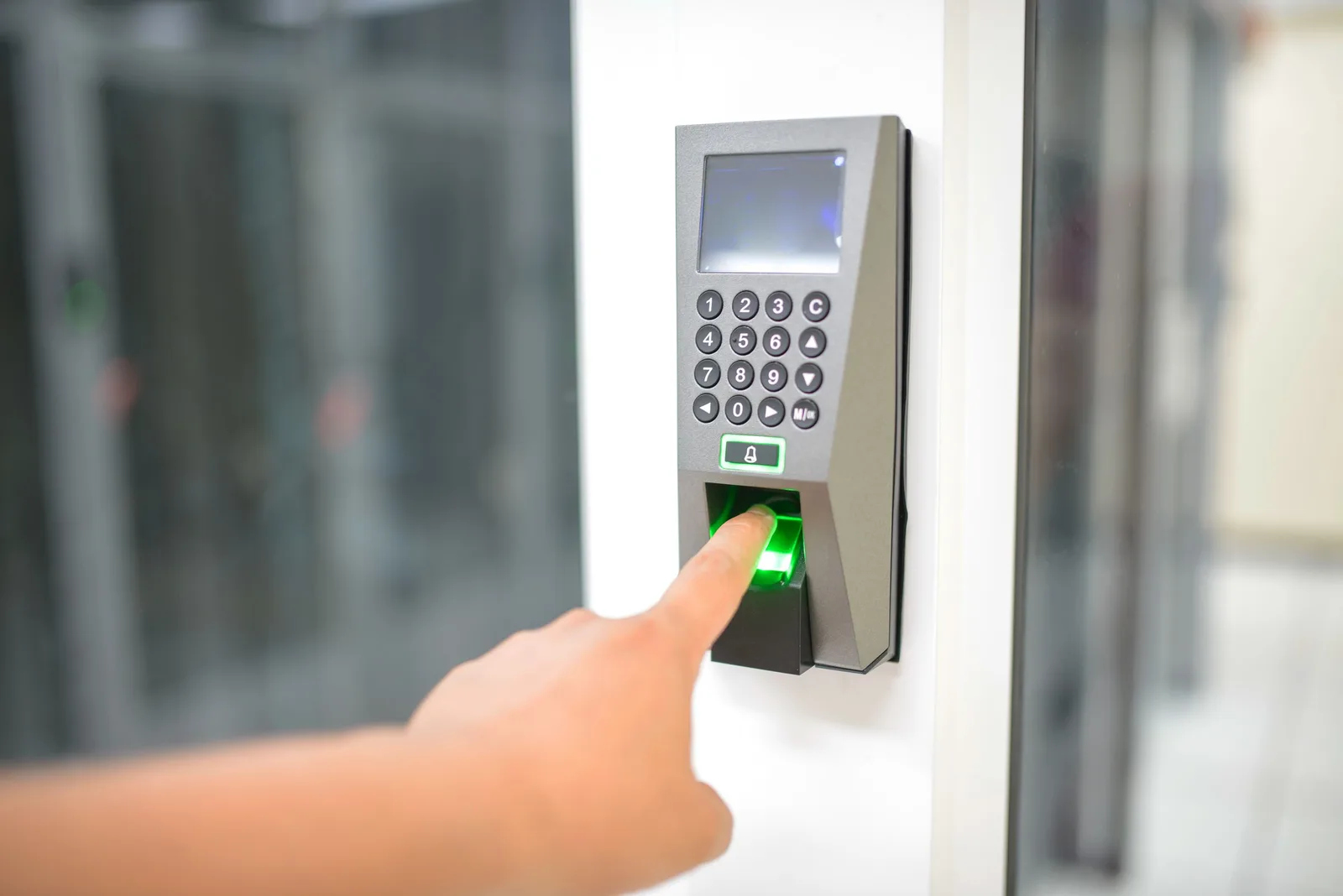
Access control projects hold many details: doors, readers, credentials, existing cameras, who decides and when. Spread over inboxes, they are easy to lose. A customer record system keeps each building, door schedule and contact together, paces follow-up through long decisions and prompts you when a system needs service or expansion.
For access control installers who want door schedules, systems and decision makers tracked from first request to install, with follow-up through long decisions and prompts for service and expansion.
Context from how your customers search, compare and book.
Decisions involve a committee. A facilities manager brings the request, an IT lead asks about the network, a finance contact wants terms and a board or residents' group approves. If those people are not linked to the same record, replies go to the wrong person and the project quietly stalls.
The technical details are the sale. Door count, door types, existing readers, need to connect cameras or an intercom, cloud or local preference, how visitors are handled. If these live in email threads, each new engineer on the account asks the customer again, which looks careless to a buyer weighing suppliers.
Timing is long and uneven. A buyer may request a survey, go silent for weeks while budgets move, then return with a deadline. A follow-up routine paced to this rhythm, with useful content instead of nagging, keeps you in mind without pushing, and flags deals that have simply gone cold.
After the install, the account keeps value. Added doors, new tenants, lost credentials, software updates and service agreements all create reasons to talk. A record holding the system, install date and agreement terms lets you reach out at the right time, instead of waiting for a fault call.
A clear, repeatable process built around how access control customers search and decide.

We design a record that holds building type, door count, door types, existing system, credential type, integration needs, timescale and each person's role. Required fields stay few, so engineers and sales staff can fill them in after a visit.

Requests from forms, calls, guide downloads, partner emails and listings are routed into the same customer record system, tagged with source and building type. Referrals from contractors or consultants are labelled so they can be thanked and measured.

After a survey, the system prompts a proposal date. After a proposal, nudges stay few and useful, such as a relevant guide or a case description. A deal quiet beyond a set time is flagged for a human call, not chased by robots.

Contacts are linked to the project with roles such as manager, IT, finance and approver. A note records when a committee meets. Proposals and door schedules are versioned, so everyone refers to the same document and the right person is copied.

Install dates, equipment, agreement terms and subscription renewals are stored against the building. Prompts go to the account owner before a renewal or after a quiet period. Won and lost projects return to ad accounts to guide future spend.
Get every enquiry into your CRM (customer tracking system) fast, with its source recorded in the UK
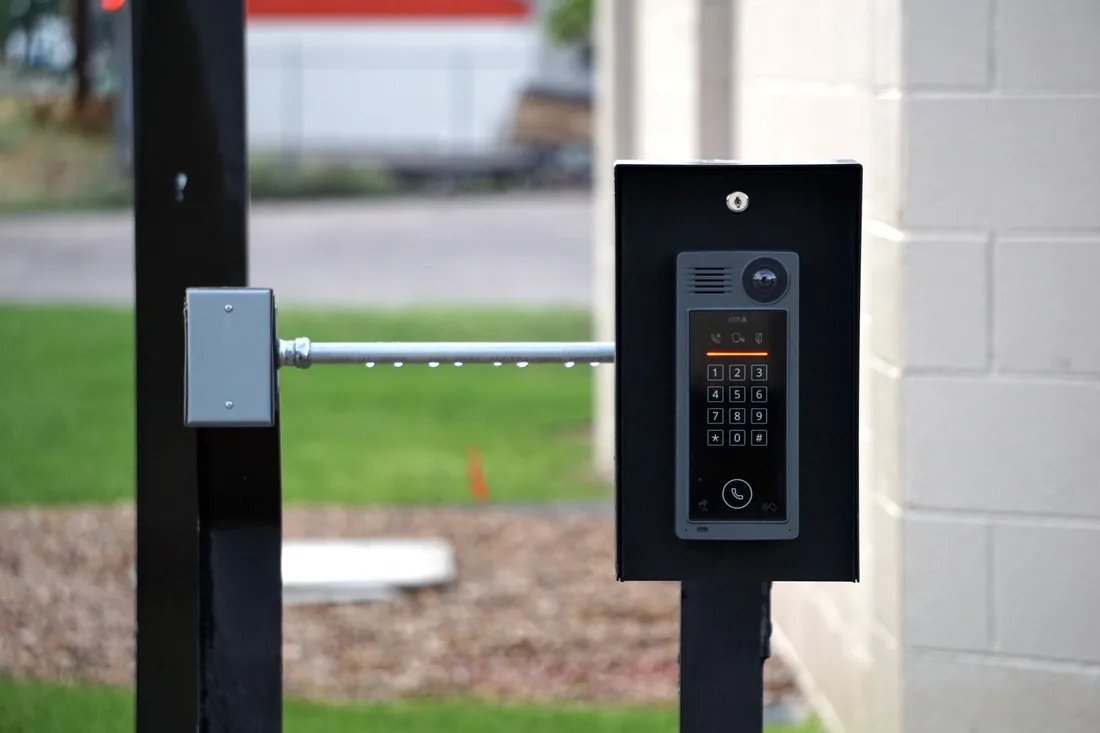
The mechanics behind CRM Integration for access control, explained plainly.
Each building holds a door schedule with reader types, credentials and integrations. It does not store passwords or security keys. Engineers can see what is installed before a visit, and sales can see which doors are due for upgrade.
Where you use quoting software or a service desk, the record links to it. A proposal sent, an order placed or a fault logged updates the account, so the view stays true without double entry and reporting matches site reality.
Roles control who sees pricing, site notes and contacts. Consent for email is stored, duplicates are merged and nothing sensitive from the building is kept in marketing data. Everything can be exported if you change systems later.
Access Control CRM integration is scoped to the system you already use, or a simple one if you have none. We quote it after a short look at how leads reach you today.
What's included
Every lead from forms, calls and ads lands in one place with its source, and goes to the right person.
Fast first replies and follow-up steps, so fewer leads go quiet.
Booked and lost outcomes tagged, so reports and ad accounts learn which leads were real.
The cost depends on your current tools and how many steps you want automated. Talk to us for a fit.
We make projects visible first, then add pacing, approvals and service prompts once the stages are trusted.
We design the record, import current accounts and route forms, calls and downloads into it. Stages and fields are tested with your team, and anything that feels like extra work is cut.
Follow-up prompts go live, stakeholders are linked and lost reasons are captured. We adjust the pacing where buyers feel nagged or where deals fade unseen, and we connect quoting tools.
Service, renewal and expansion prompts begin to produce repeat work. Won projects feed ad accounts, and each month we review which sources create surveys and which only create downloads.
Our team
Martin writes every audit and takes the first call. The same team stays on the account. 160+ businesses since 2010.
Founder, strategy and audits
Writes every audit and takes every first call. On your account from day one, running growth for SMEs since 2010.

Social and app development
Shapes social strategy and builds practical app experiences that turn attention into action.

SEO
Owns technical, local and content SEO so the right buyers find you when demand is highest.

Paid media
Plans and manages paid search and social campaigns around qualified leads.

Analytics
Connects tracking, attribution and reporting so decisions are based on revenue-quality data.

Design
Creates clear brand and conversion-focused design across landing pages, campaigns and product experiences.
Certified and experienced
Verified platform knowledge, 25+ years of hands-on experience, and an operating track record since 2010.
Get a free audit and we will show you where you are losing enquiries today.
Get a Free Audit arrow_forward
Reviewed by
Martin Marinov
Founder, HeyLead
Martin founded HeyLead and has worked in SEO and paid search for more than 20 years, across Google Ads, Microsoft Ads and organic search.