

Martin
Founder, strategy and audits
Writes every audit and takes every first call. On your account from day one, running growth for SMEs since 2010.
A smart home project passes through many hands: the owner, a partner, an architect, a builder and often an electrician. It lasts months, and every detail matters when wiring day arrives. CRM integration, meaning a customer record system, holds the people, plans, proposals and promises in one place, so no project depends on one inbox.
For smart home and automation firms that manage long projects with several contacts and want sources, stages, proposals and support plans in one dependable record.
Context from how your customers search, compare and book.
A smart home project has more people than a typical home job. The owner decides what they want, the architect draws the plan, the builder sets the schedule and the electrician pulls the cable. If all of them email you separately, details scatter. A record that links each contact to the project keeps the thread together.
Stages follow the build, not a sales calendar. Early talks happen at plan stage, wiring decisions come before the walls close, and commissioning follows weeks later. A pipeline that mirrors those stages shows what each project needs next and whether a pre-wire date is at risk. Delays in the build become visible, not surprising.
Proposals evolve. The first version might include lighting and shading, the second adds security and audio, the third trims the budget. Each version should sit in the record with the date, the reason for the change and the contact who asked for it. Later on, nobody argues about what was agreed.
After handover, work continues. Support calls, programming changes, firmware updates and plan renewals are part of the business. A record that links support tickets to the original project shows who is paying for ongoing care. It also lets results flow back to ad accounts, so campaigns learn from signed projects.
A clear, repeatable process built around how smart home and automation customers search and decide.

We look at what you use for quotes, schedules and tickets, and choose one record that holds leads and projects together. If you already have a project tool, we connect to it. Otherwise we suggest a light option your team will keep up.

Website forms, tracked calls, showroom bookings, partner introductions and referral emails create the same kind of record, with source and partner attached. Duplicate contacts are merged so one owner does not appear as three people.

Stages run from first contact to consultation, walk-through, proposal, deposit, pre-wire, commissioning, handover and support. Each stage has an owner and a due date. Stages tied to build dates alert your team if the schedule moves.

We draft first replies, consultation confirmations and proposal follow-up messages in your voice. Partner updates have their own short template. Reminders prompt contact when a project sits idle. You approve every message before it is used.

After handover, tickets and plan renewals attach to the project. Signed projects and consultations are reported to ad accounts, and we check the match monthly. We also review why proposals were declined, to see whether scope, timing or price is the cause.
Get every enquiry into your CRM (customer tracking system) fast, with its source recorded in the UK
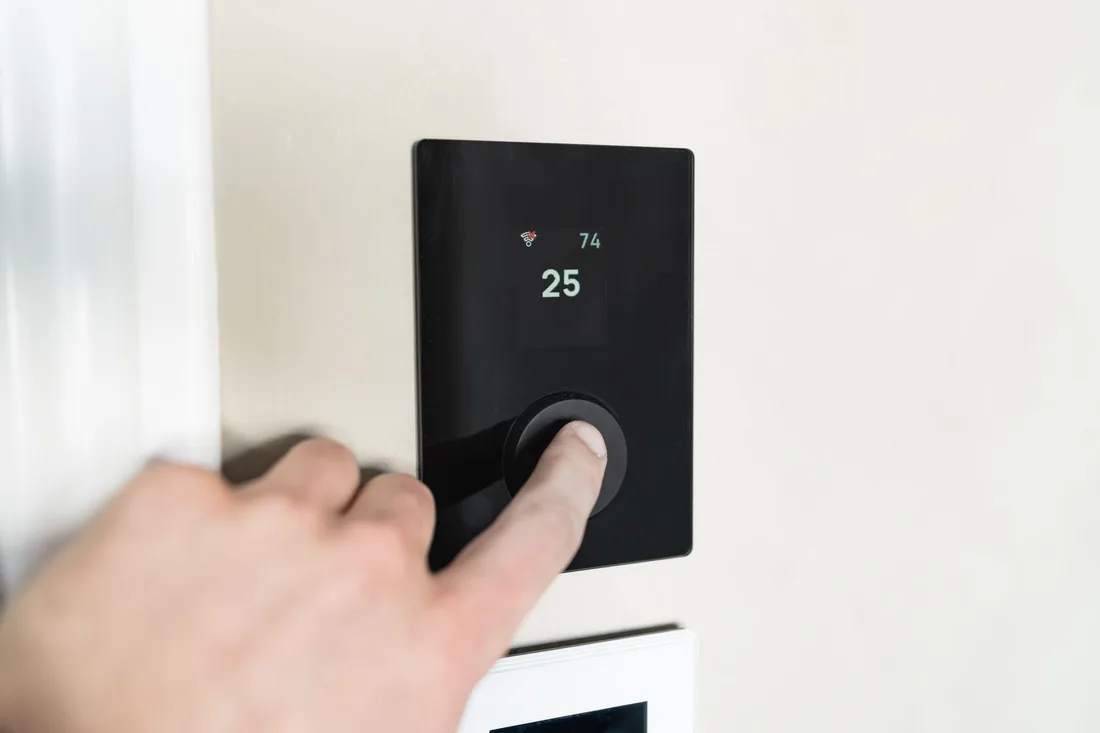
The mechanics behind CRM Integration for smart home and automation, explained plainly.
Every person on a project gets a role, such as owner, partner, builder or architect. Messages go to the right people, and reports show which partners are involved in signed work. This stops private owner details being shared with the wrong contact.
Where a builder gives dates, the record stores them and warns when a stage falls behind. A slipped framing date may move your pre-wire visit. Early warnings protect your schedule and your team's time.
Home plans, addresses and camera layouts are sensitive. Access is limited to staff who need it, consent for messages is recorded and records can be exported or removed on request. We never send marketing to partners without their agreement.
Smart Home and Automation CRM integration is scoped to the system you already use, or a simple one if you have none. We quote it after a short look at how leads reach you today.
What's included
Every lead from forms, calls and ads lands in one place with its source, and goes to the right person.
Fast first replies and follow-up steps, so fewer leads go quiet.
Booked and lost outcomes tagged, so reports and ad accounts learn which leads were real.
The cost depends on your current tools and how many steps you want automated. Talk to us for a fit.
Start with one place for every project, then add reminders and feedback to ads once the habit is firm.
We choose or confirm the record, import current projects and connect forms, calls and showroom bookings. Contact roles, stages and due dates are agreed with the team, and a few live projects are walked through end to end.
Messages, reminders and proposal tracking go live, and staff update stages as work moves. We adjust any fields that feel clumsy or get skipped, and the first partner updates start to flow to builders and architects.
A history of projects shows which sources and partners lead to signed work and support plans. Outcomes feed back to ad accounts. Results depend on demand, and we promise no project numbers.
Our team
Martin writes every audit and takes the first call. The same team stays on the account. 160+ businesses since 2010.
Founder, strategy and audits
Writes every audit and takes every first call. On your account from day one, running growth for SMEs since 2010.

Social and app development
Shapes social strategy and builds practical app experiences that turn attention into action.

SEO
Owns technical, local and content SEO so the right buyers find you when demand is highest.

Paid media
Plans and manages paid search and social campaigns around qualified leads.

Analytics
Connects tracking, attribution and reporting so decisions are based on revenue-quality data.

Design
Creates clear brand and conversion-focused design across landing pages, campaigns and product experiences.
Certified and experienced
Verified platform knowledge, 25+ years of hands-on experience, and an operating track record since 2010.
Get a free audit and we will show you where you are losing enquiries today.
Get a Free Audit arrow_forward
Reviewed by
Martin Marinov
Founder, HeyLead
Martin founded HeyLead and has worked in SEO and paid search for more than 20 years, across Google Ads, Microsoft Ads and organic search.