


Martin
Founder, strategy and audits
Writes every audit and takes every first call. On your account from day one, running growth for SMEs since 2010.
A locked-out visitor gives your website about ten seconds. They want a number they can tap, proof that a real locksmith will arrive and a rough idea of cost. We design lean, call-first pages that load on a weak signal, build trust with plain statements and photos, and still serve calmer visitors who want a lock change.
For emergency locksmiths whose website is slow, cluttered or anonymous, and who lose callers to rivals that look more trustworthy on a phone.
Context from how your customers search, compare and book.
The first screen must hold three things: a large call button, a statement of when and where you work, and a clue that a real person will arrive. Everything else can wait. If a caller has to scroll, tap menus or close pop-ups, they will phone the next result.
Trust signals do heavy lifting. A photo of the locksmith in uniform, the van with its name and number, a statement that identification will be shown and that proof of residence may be asked before a door is opened, and a clear explanation of how callout pricing works, all lower the fear of a rogue operator.
Speed matters because signal may be poor. Heavy images, auto-playing video, chat widgets and sliders can stop a page loading at all on one bar of signal. A lean page that shows text and a button in a second beats a beautiful one that arrives too late.
Calmer visitors need a different path. Someone planning a lock change after a move wants to see options, photos of work and a form or booking choice. Separate pages for planned work keep the emergency page focused, while linking between them quietly captures both kinds of visitor.
A clear, repeatable process built around how emergency locksmith customers search and decide.

We review your site, photos and wording, and talk with your locksmiths about what callers ask and fear. We list the proof to show, such as van, uniform, registration, insurance and identification routine, and the photos we need.

We design a lean first screen with the call button, hours, area and a short explanation of how a callout works. Below it come the main job types, pricing explanation, arrival process and reviews, in short blocks that read quickly on a phone.

We add pages for lock changes, rekeying, landlord turnover and door repair after a break-in, each with photos, a short form and a booking option. These pages are calmer and more detailed, and they link back to the emergency number.

We build a section for identification checks, registration and insurance, pricing method and customer reviews. Every claim is checked with you, and customer photos or names appear only with permission and without door or address details. Nothing is published that you cannot stand behind on the phone.

We build a lean site, test it on throttled connections and several older phones and set up call tracking and form routing. Old addresses redirect to the new pages, and we recheck the redirects once the site is live.
Pages that make it easy to understand the offer and take the next step in Singapore
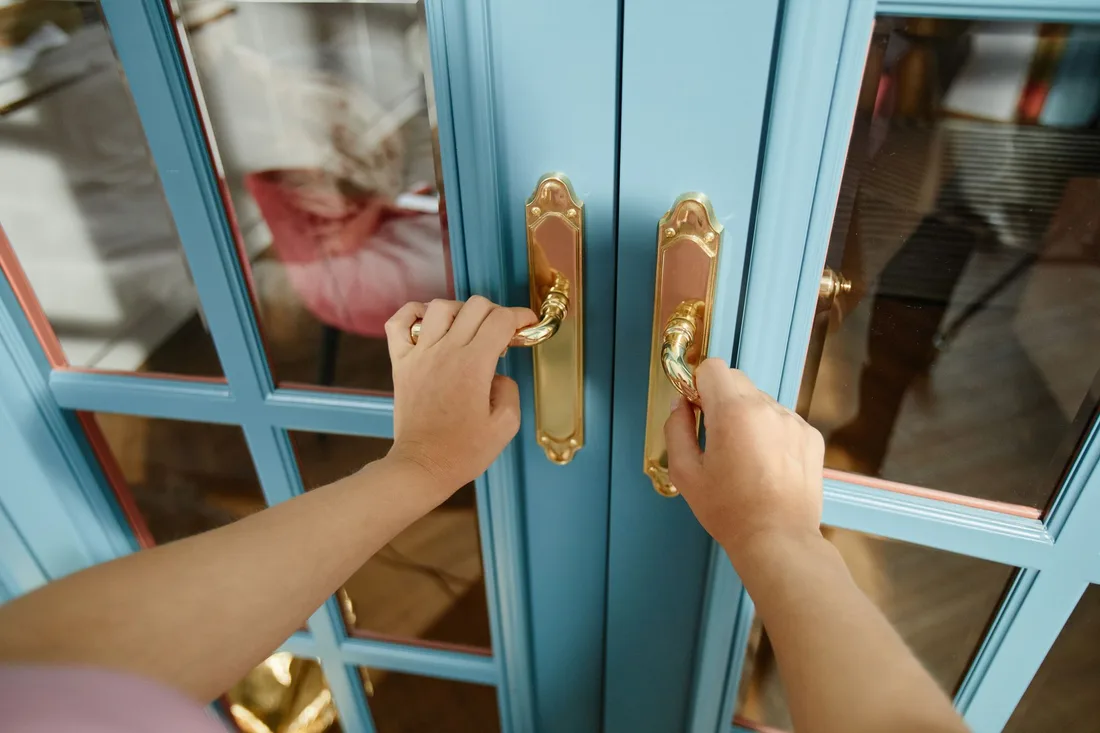
The mechanics behind Web Design for emergency locksmith, explained plainly.
We keep the emergency page under a tight size budget with no sliders, no auto-play video and no chat pop-ups. Text and buttons appear first, images load after, and the page remains usable even if a script fails.
A tap-to-call button sits in a fixed bar at the bottom of every page. Tracking numbers show which page or ad produced each call, and the visible number stays consistent with your van and listing.
We add business markup so hours, area and services read clearly to search engines, and we make text large, contrast strong and buttons easy to hit. A stressed person on a doorstep should never struggle to read or tap.
Emergency Locksmith web design starts at S$2,000. Scope depends on how many pages and features you need, and we agree it with you after seeing your current site.
What's included
The pages customers need to decide, laid out for phones first, with proof and a clear next step.
Forms and call buttons that work on every phone, with each request tracked to its source.
Image, speed and mobile checks before launch, and a short list of fixes afterwards.
Larger builds, such as online shops or booking systems, are scoped after discovery. Talk to us for a fit.
A locksmith site is small but must be exact, so we spend time on trust proof and speed.
We gather photos, proof and wording from your locksmiths and agree the page plan. Layouts for the emergency page, a planned work page and the trust section are shared for comment.
The site is built and tested on slow connections and older phones, with calls and forms tested end to end. Your team approves every claim about hours, area and pricing before launch.
After launch we watch call data, page paths and speed, then refine wording and add pages. Results depend on traffic and your answering. We do not promise call numbers or rankings.
Our team
Martin writes every audit and takes the first call. The same team stays on the account. 160+ businesses since 2010.
Founder, strategy and audits
Writes every audit and takes every first call. On your account from day one, running growth for SMEs since 2010.

Social and app development
Shapes social strategy and builds practical app experiences that turn attention into action.

SEO
Owns technical, local and content SEO so the right buyers find you when demand is highest.

Paid media
Plans and manages paid search and social campaigns around qualified leads.

Analytics
Connects tracking, attribution and reporting so decisions are based on revenue-quality data.

Design
Creates clear brand and conversion-focused design across landing pages, campaigns and product experiences.
Certified and experienced
Verified platform knowledge, 25+ years of hands-on experience, and an operating track record since 2010.
Get a free audit and we will show you where you are losing enquiries today.
Get a Free Audit arrow_forward
Reviewed by
Martin Marinov
Founder, HeyLead
Martin founded HeyLead and has worked in SEO and paid search for more than 20 years, across Google Ads, Microsoft Ads and organic search.