


Martin
Founder, strategy and audits
Writes every audit and takes every first call. On your account from day one, running growth for SMEs since 2010.
A commercial buyer visits your website to answer three questions: do you cover my kind of site, can I trust you with it, and how do I ask for a survey. Many installer sites answer none clearly. We design pages that show sectors, systems, proof and a simple route to a site survey.
For commercial security firms whose current website looks like a home alarm brochure and loses facilities, property and operations buyers before they ask for a survey.
Context from how your customers search, compare and book.
A facilities manager arrives from a search, a tender list or a colleague's email. They scan for their site type, the systems you fit and signs that you can handle a building like theirs. If the home page speaks mostly about house burglaries and doorbell cameras, they leave and try the next installer on the list.
Proof must be easy to reach. Buyers look for accreditations, insurance certificates, who maintains systems after handover and how alarms are monitored out of hours. These facts belong on a clear page linked from the main menu, and summed up in a short panel beside the survey form.
Forms should match how business projects start. A single message box produces vague requests that waste an estimator's morning. A short form asking for site type, number of buildings, existing systems and timing lets your estimator prepare before the first call, and tells serious buyers that you ask the right questions.
Larger buyers may pass your website to colleagues, procurement staff or an insurer. Pages and documents must read well when forwarded, print cleanly and carry your contact details. A capability summary that opens quickly on a phone can make a real difference in an internal meeting about suppliers.
A clear, repeatable process built around how commercial security customers search and decide.

We list the sectors, systems and proof you hold, then compare them with your current pages. We interview your estimators about common questions, objections and the sites they win, so the new structure matches how business projects really begin.

We plan a clear menu with sectors, systems, case studies, accreditations and a visible survey button. Each page layout leads with the buyer's site type, then shows scope, proof and next step, without long blocks of text or stock burglary images.

We design a form that asks for site type, number of buildings, existing systems and timing, and a phone route for urgent faults. Submissions reach the right person at once, with an automatic reply that sets expectations for the call-back.

We build pages for accreditations, insurance, monitoring arrangements and service levels, and tidy your capability summary so it prints well. Case studies use consent-approved images and plain descriptions of scope, equipment and results, so a buyer can picture the same work on their own site.

We build on a fast, secure platform, test forms, calls and documents on real phones and set up tracking. Old pages are redirected, so existing search visibility and bookmarked links are not lost when the new site goes live, and we check the redirects again after launch.
Pages that make it easy to understand the offer and take the next step in Singapore
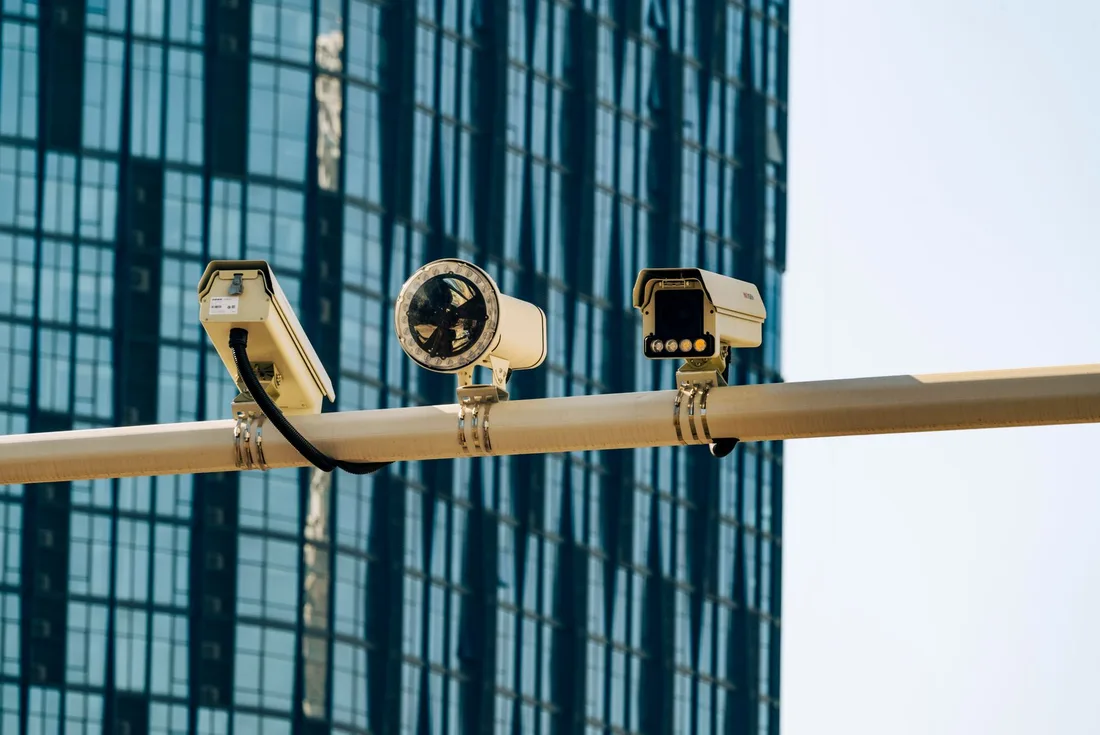
The mechanics behind Web Design for commercial security, explained plainly.
Many visitors open the site on a phone during a site visit. We compress images, load only needed scripts and keep the survey button and phone number reachable on every screen. Pages are tested on slow connections as well as office broadband.
A security firm with a weak website damages trust. We use encrypted connections, spam protection on forms, current software and limited admin access. Forms store minimal data and follow your privacy notice, which you supply.
Each form and call is tagged with its page and source. Site type and building count flow into your customer record system, so estimators can sort a single shop from a portfolio at a glance and reports show where good leads originate.
Commercial Security web design starts at S$2,000. Scope depends on how many pages and features you need, and we agree it with you after seeing your current site.
What's included
The pages customers need to decide, laid out for phones first, with proof and a clear next step.
Forms and call buttons that work on every phone, with each request tracked to its source.
Image, speed and mobile checks before launch, and a short list of fixes afterwards.
Larger builds, such as online shops or booking systems, are scoped after discovery. Talk to us for a fit.
A good commercial site is built around your real sectors, so planning with your estimators comes before design.
We interview your team, gather proof and documents and agree the site map. Design and form wording are drafted, and you see layouts for the home, sector and survey pages.
Pages are built, tested on phones and checked for speed. Forms, calls and tracking are tested end to end, and your team reviews wording for accuracy before launch.
After launch, we watch forms, calls and page paths, then refine layouts and add sectors and case studies. Results depend on traffic and your sales process. We do not promise lead numbers or rankings.
Our team
Martin writes every audit and takes the first call. The same team stays on the account. 160+ businesses since 2010.
Founder, strategy and audits
Writes every audit and takes every first call. On your account from day one, running growth for SMEs since 2010.

Social and app development
Shapes social strategy and builds practical app experiences that turn attention into action.

SEO
Owns technical, local and content SEO so the right buyers find you when demand is highest.

Paid media
Plans and manages paid search and social campaigns around qualified leads.

Analytics
Connects tracking, attribution and reporting so decisions are based on revenue-quality data.

Design
Creates clear brand and conversion-focused design across landing pages, campaigns and product experiences.
Certified and experienced
Verified platform knowledge, 25+ years of hands-on experience, and an operating track record since 2010.
Get a free audit and we will show you where you are losing enquiries today.
Get a Free Audit arrow_forward
Reviewed by
Martin Marinov
Founder, HeyLead
Martin founded HeyLead and has worked in SEO and paid search for more than 20 years, across Google Ads, Microsoft Ads and organic search.