
Martin
Founder, strategy and audits
Writes every audit and takes every first call. On your account from day one, running growth for SMEs since 2010.
Buyers of door access systems need to understand the options before they trust an installer. Many installer sites list product names and logos but never explain how cards, phones and cloud software work in a real building. We design pages that teach, show projects and lead to a short scoping form.
For access control installers whose website lists brands and hardware but does not explain choices, show projects or make it easy to request a door survey.
Context from how your customers search, compare and book.
A manager comparing installers is trying to picture life after the project. They ask how a new starter gets a card, how a lost fob is switched off and what happens in a power cut. A website that answers these in plain language, with diagrams and short examples, makes your firm feel safe to hire.
The buyer type decides the route. An IT manager wants network and cloud details, a facilities manager wants door counts, schedules and support, and a residents' committee wants lobby entry, visitor handling and cost clarity. Menus and landing pages should let each reach their questions quickly, without wading through brand lists.
Proof comes from projects, not logos. Case studies that state building type, door count, system and integration with cameras or alarms let a reader find a project like theirs. Photos of tidy installs, with consent, reassure buyers that the cabling and hardware will be neat and well documented.
The request step needs structure. A form asking building type, number of doors, current system and timing lets your designer prepare a useful first call. Existing customers also need a clear support route, so fault reports do not clog the sales form or confuse new visitors who are simply trying to find out what you do.
A clear, repeatable process built around how access control customers search and decide.

We review your pages, brands and projects, and interview your designers and engineers about the questions buyers ask. We map building types, systems and support needs to a clear menu, and flag content that is missing or too technical.

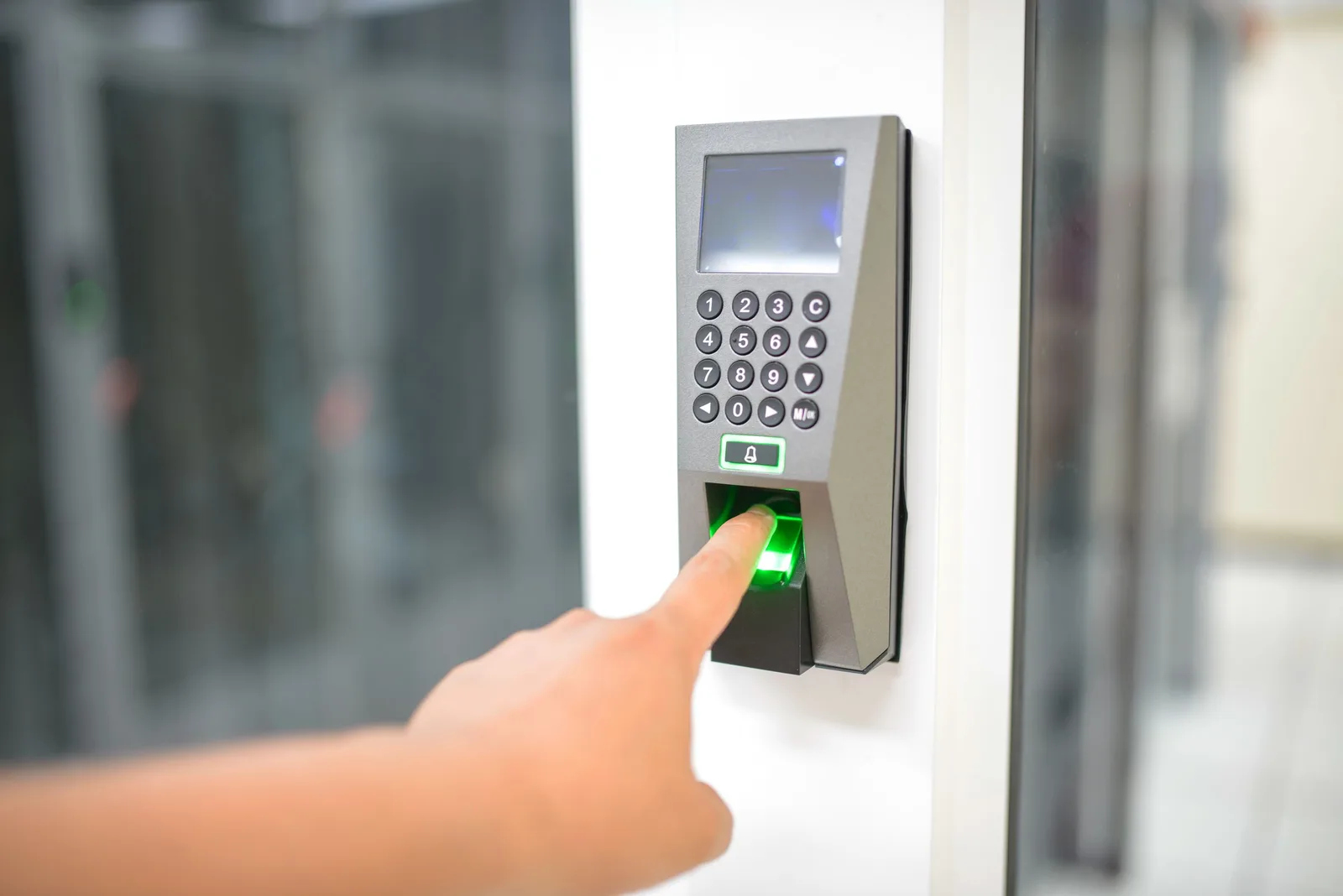
We write and design simple diagrams showing how a card, fob or phone opens a door, how the controller and software fit, and what happens during a power cut. Each explainer is short, plain and ends with a route to request a survey.

We build pages for offices, flats, warehouses, clinics and schools, and case studies showing door counts, integrations and results. Photos appear with consent, and client names only where the client agrees. Each page links to related system explainers.

We design a form asking building type, doors, current system and timing, and a separate support page with fault reporting and contact details for existing customers. Each route reaches the right person automatically, with a confirmation message that sets expectations.

We build a fast site, test forms, downloads and support routes on phones and laptops and set up tracking. Old addresses redirect to the closest new pages, and we recheck them after launch so search visibility carries over.
Pages that make it easy to understand the offer and take the next step in Singapore
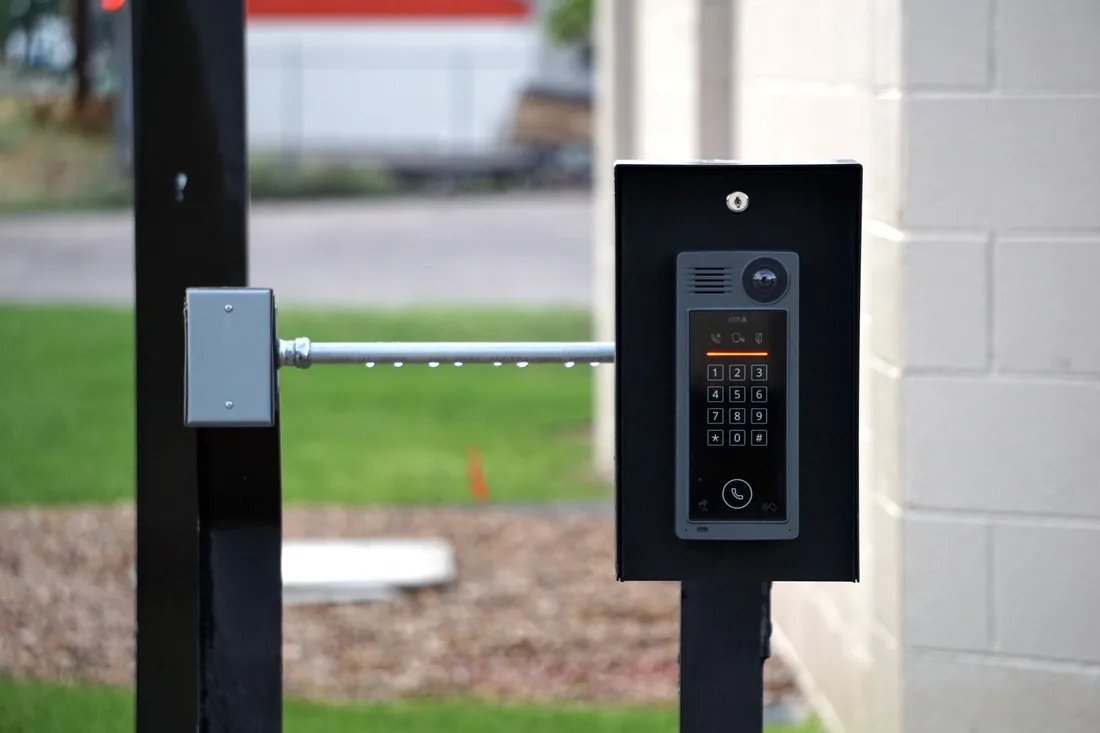
The mechanics behind Web Design for access control, explained plainly.
Diagrams are built as light, scalable graphics, and photos are compressed. This keeps explainers quick on a phone and readable on a large screen, and lets visitors zoom into door layouts without waiting.
Spec sheets and overviews are listed on one page, named clearly and tagged for tracking. We keep files small and make sure each has a short description, so a manager can find and forward the right document within seconds.
New project requests and support requests go to different people. Project forms pass building type and door count into your customer record system, while fault requests create a separate task with the site name and urgency.
Access Control web design starts at S$2,000. Scope depends on how many pages and features you need, and we agree it with you after seeing your current site.
What's included
The pages customers need to decide, laid out for phones first, with proof and a clear next step.
Forms and call buttons that work on every phone, with each request tracked to its source.
Image, speed and mobile checks before launch, and a short list of fixes afterwards.
Larger builds, such as online shops or booking systems, are scoped after discovery. Talk to us for a fit.
A technical site needs good explanations, so planning with your designers comes first.
We interview your team, gather projects and documents and agree the site map. You see layouts for the home page, a system explainer and the scoping form, and we plan diagrams.
The site is built, tested on phones and laptops and checked for speed. Forms, downloads and support routes are tested end to end, and your engineers approve every technical statement before launch.
After launch we watch forms, downloads and page paths, then refine layouts and add case studies. Results depend on traffic and your follow-up. Nobody can honestly forecast lead numbers or rankings before launch.
Our team
Martin writes every audit and takes the first call. The same team stays on the account. 160+ businesses since 2010.
Founder, strategy and audits
Writes every audit and takes every first call. On your account from day one, running growth for SMEs since 2010.

Social and app development
Shapes social strategy and builds practical app experiences that turn attention into action.

SEO
Owns technical, local and content SEO so the right buyers find you when demand is highest.

Paid media
Plans and manages paid search and social campaigns around qualified leads.

Analytics
Connects tracking, attribution and reporting so decisions are based on revenue-quality data.

Design
Creates clear brand and conversion-focused design across landing pages, campaigns and product experiences.
Certified and experienced
Verified platform knowledge, 25+ years of hands-on experience, and an operating track record since 2010.
Get a free audit and we will show you where you are losing enquiries today.
Get a Free Audit arrow_forward
Reviewed by
Martin Marinov
Founder, HeyLead
Martin founded HeyLead and has worked in SEO and paid search for more than 20 years, across Google Ads, Microsoft Ads and organic search.